Graphical User Interface
Visual tour of AnsibleForms’ web interface, from the dashboard to advanced administration features.
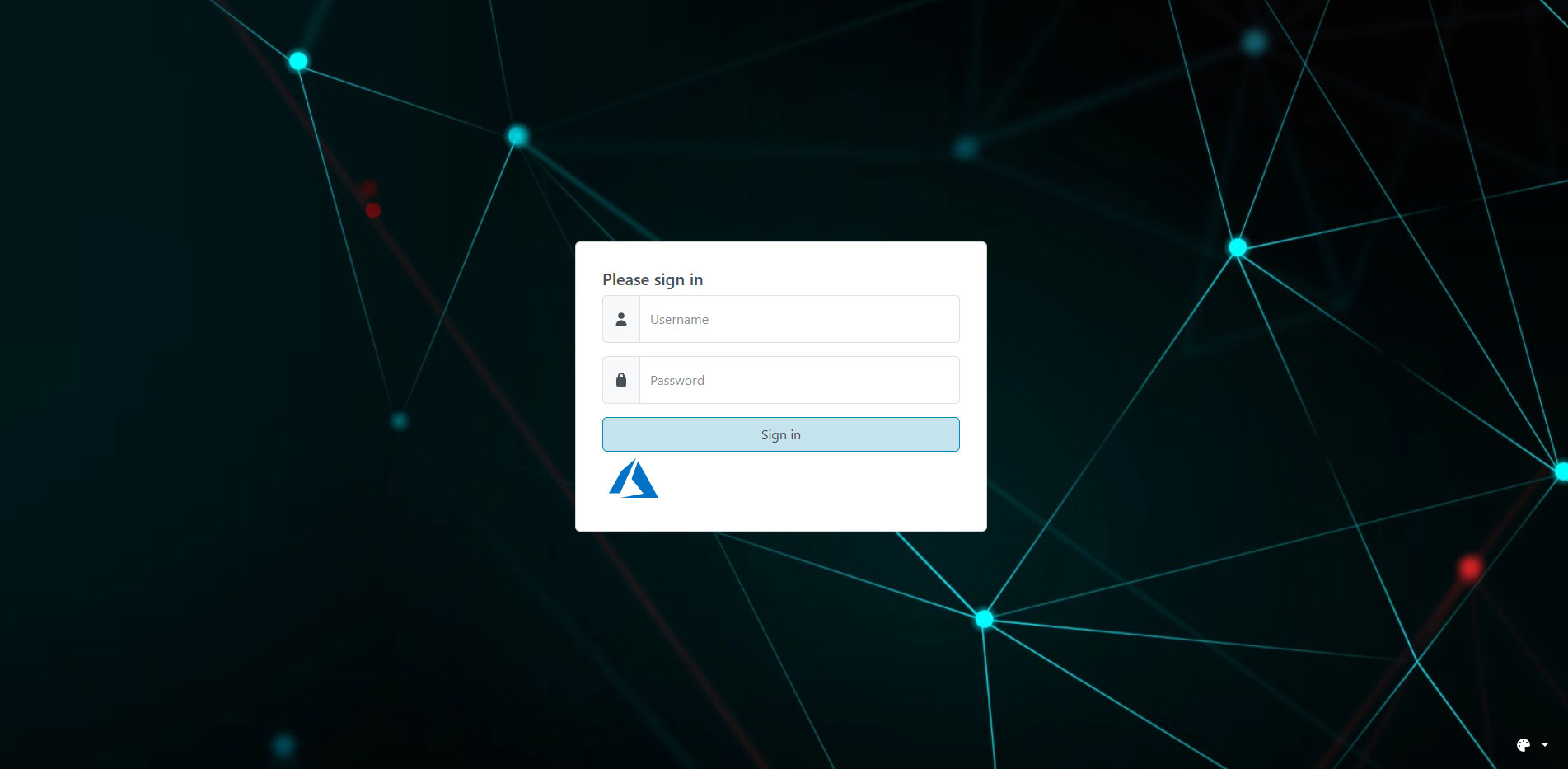
Login
User authentication page with support for local, LDAP, EntraID and OIDC authentication.
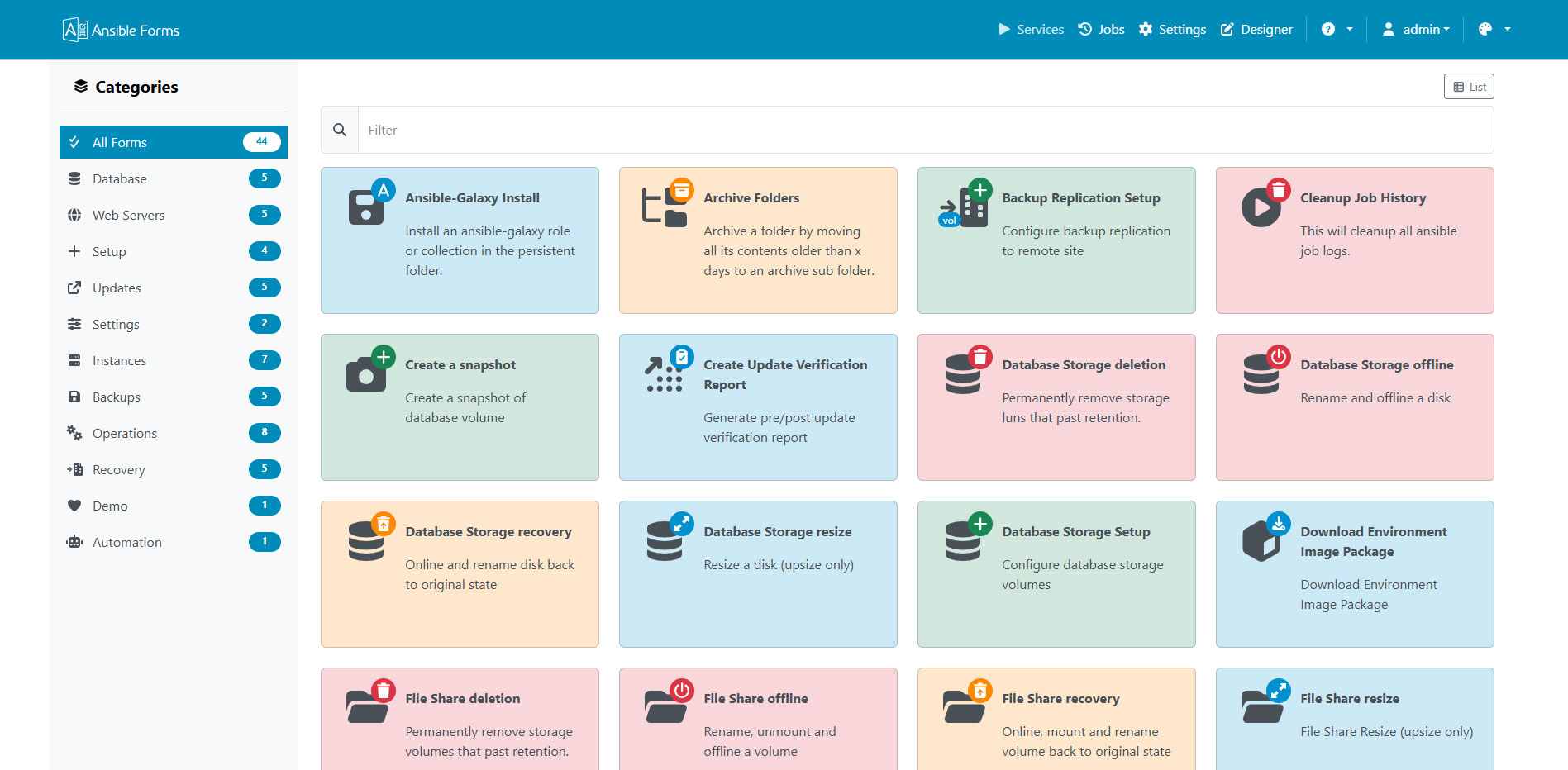
The Dashboard
The main dashboard displays all available forms organized by category.
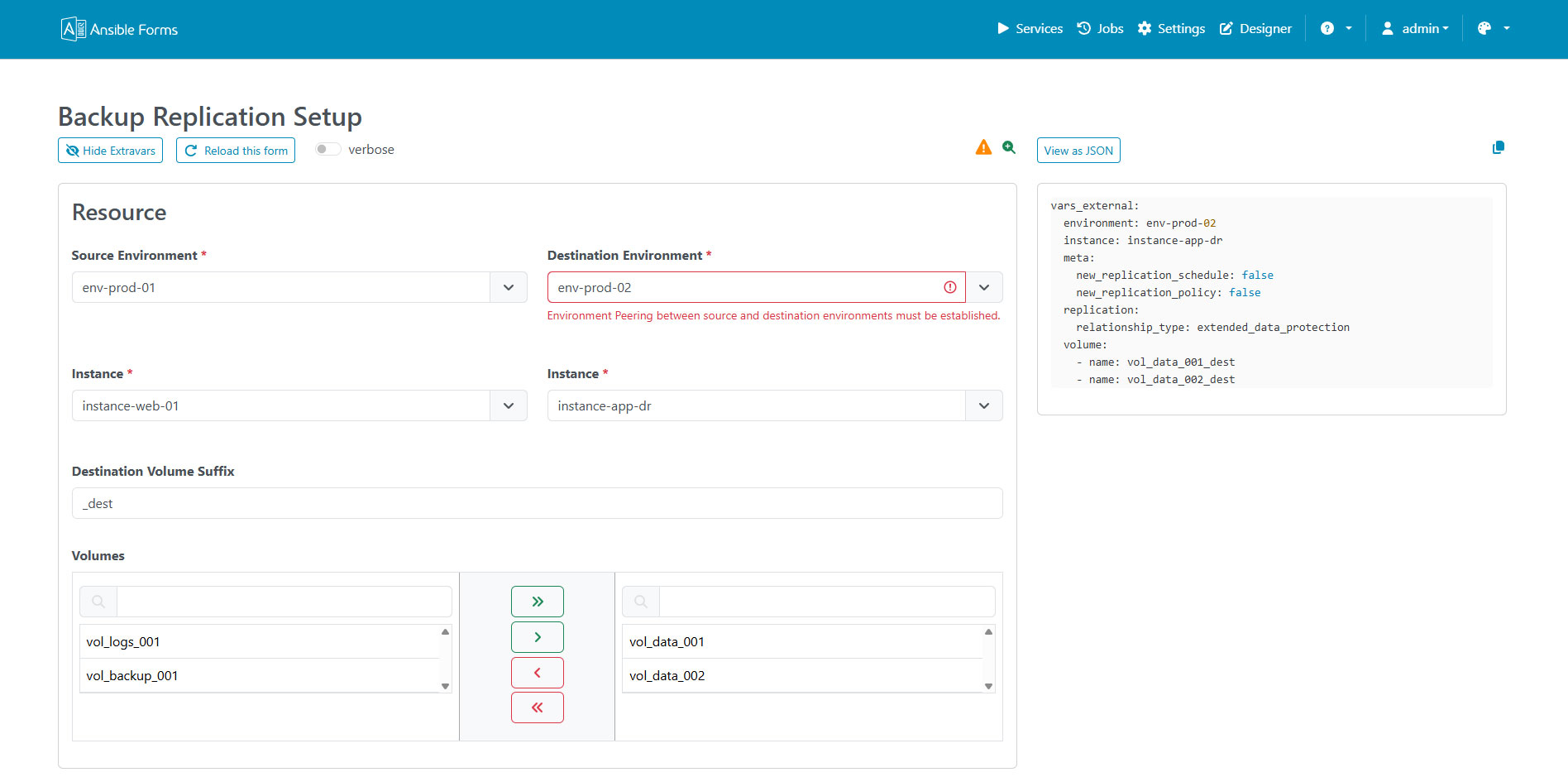
A Form
Example of a form with external data sources and dynamic fields.
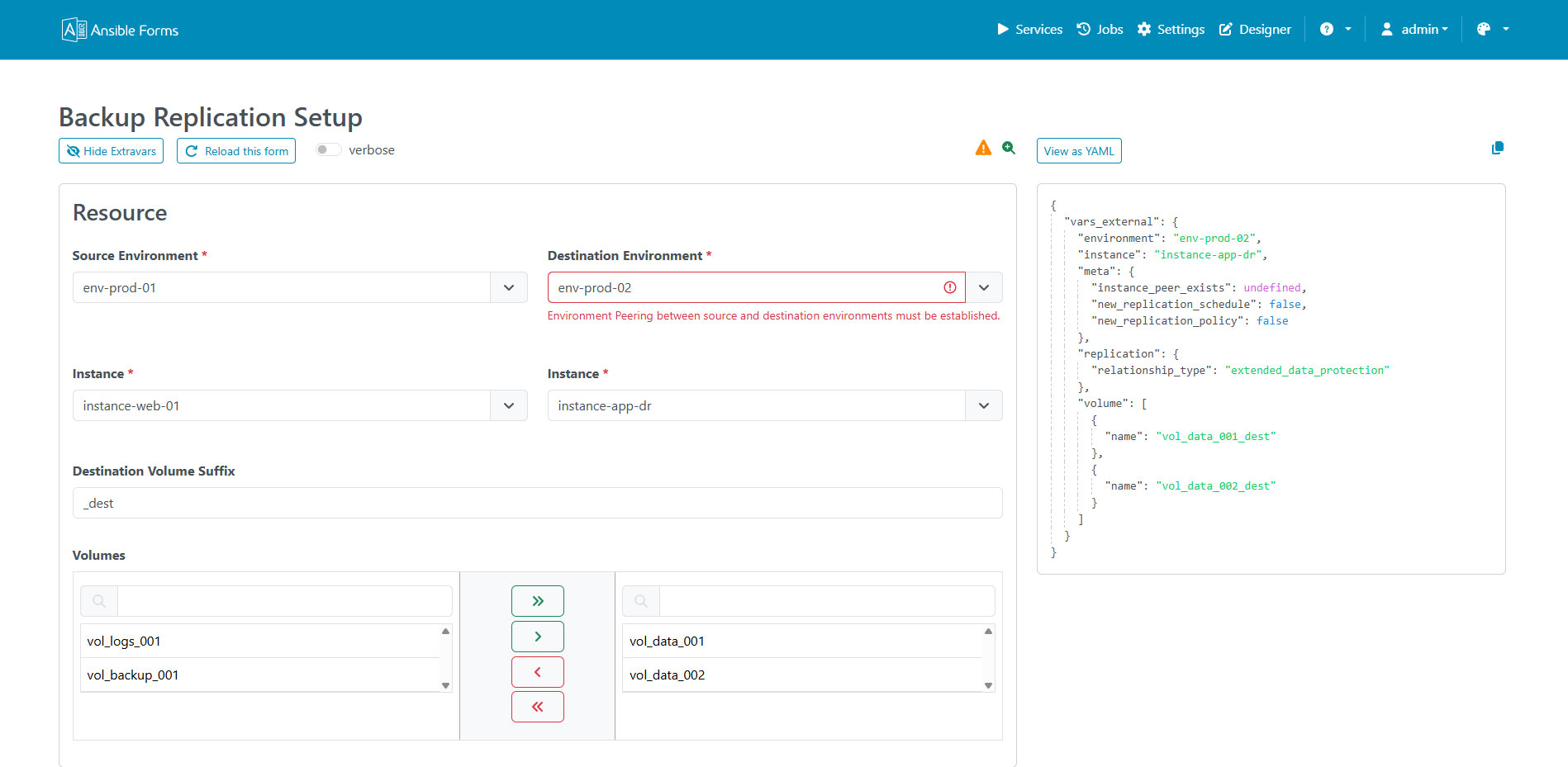
Form JSON Preview
Preview the JSON payload and extra variables that will be passed to Ansible before running the job.
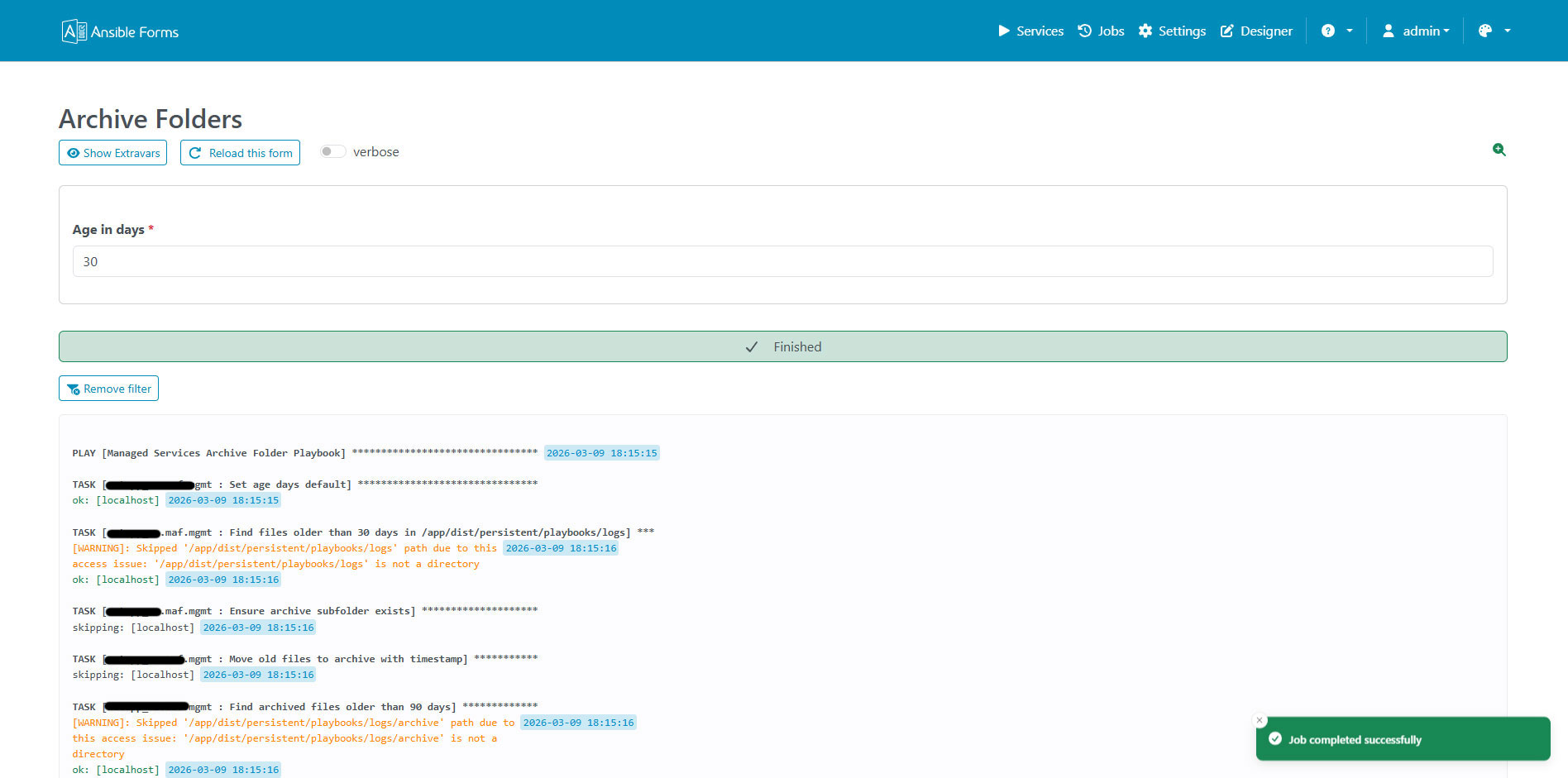
Running Job
Real-time execution of an Ansible playbook with live output.
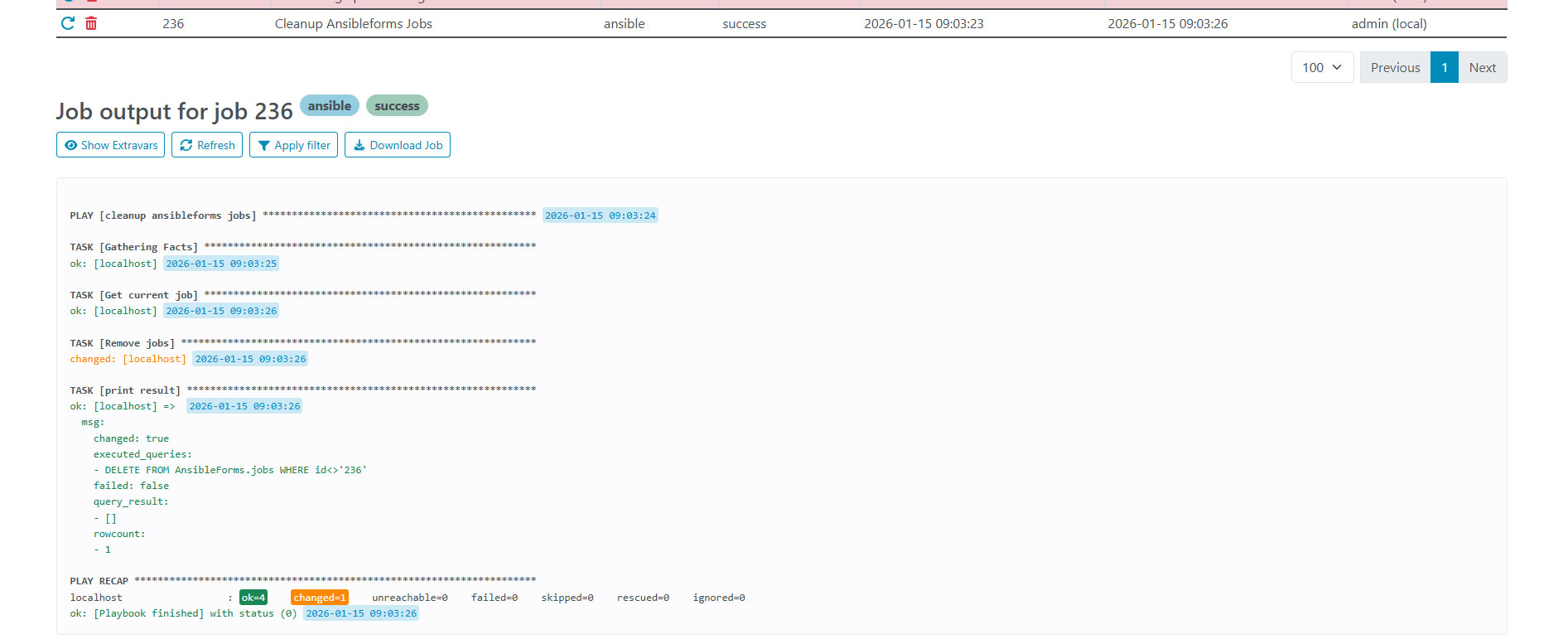
Job Output
Complete output from an executed Ansible playbook.
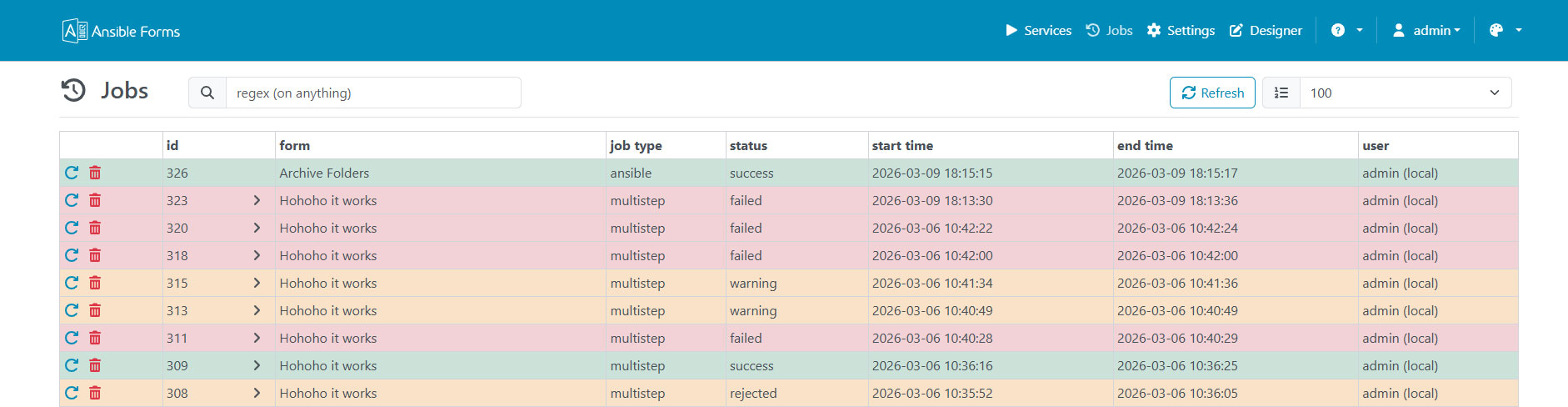
Job Logs
Detailed job execution logs with timestamps and status information.
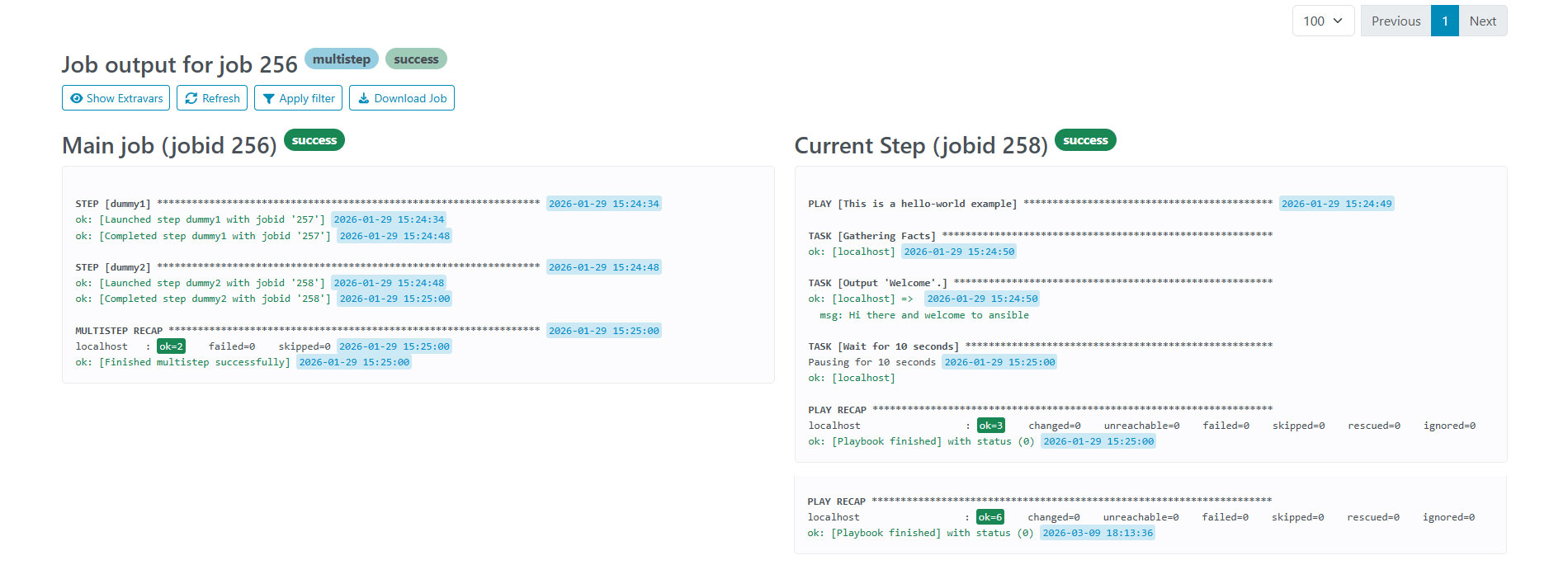
Multi Step
Forms can be split into multiple steps for complex workflows.
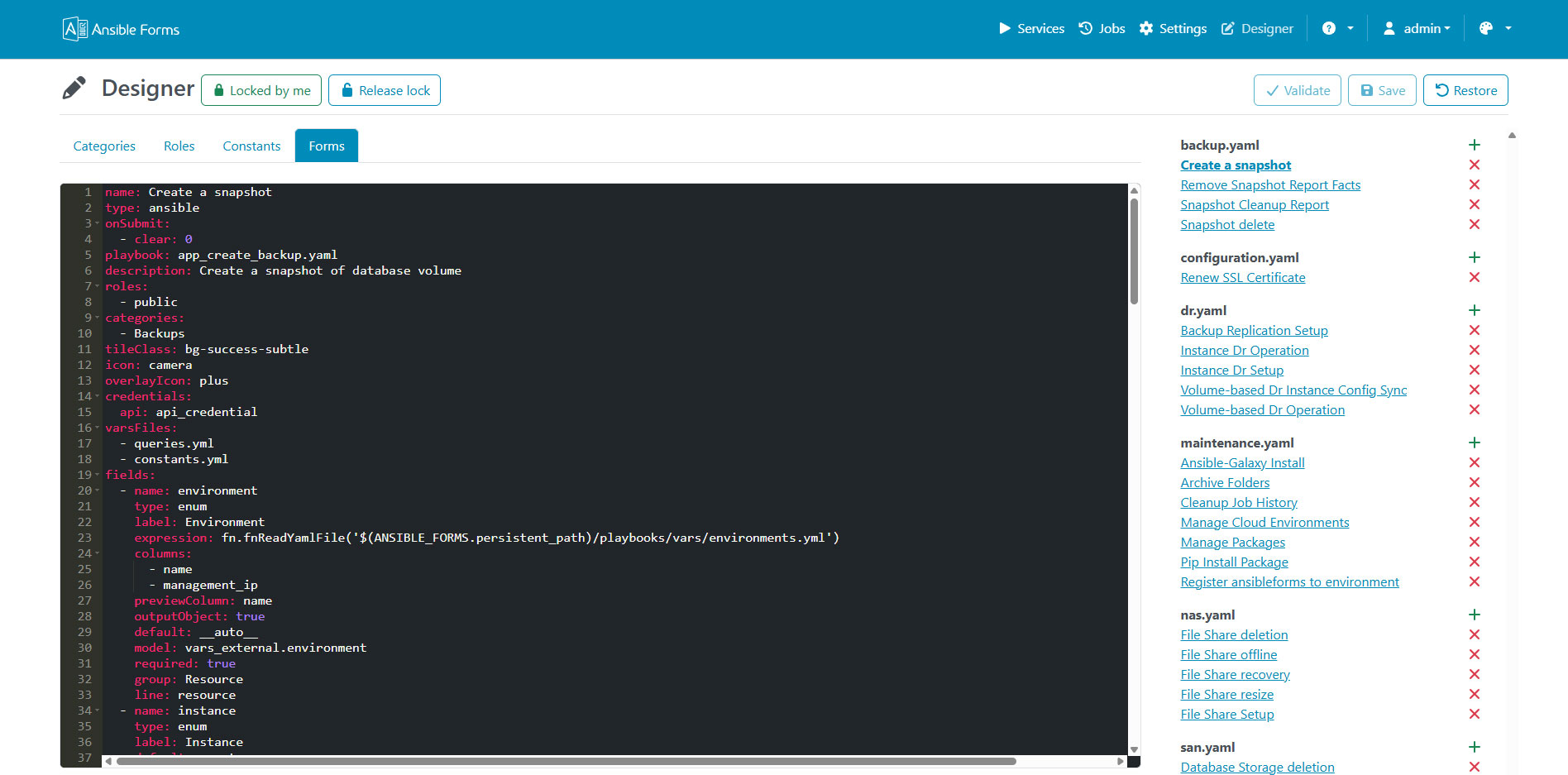
Builtin Designer
Visual form designer for creating and editing forms without coding.
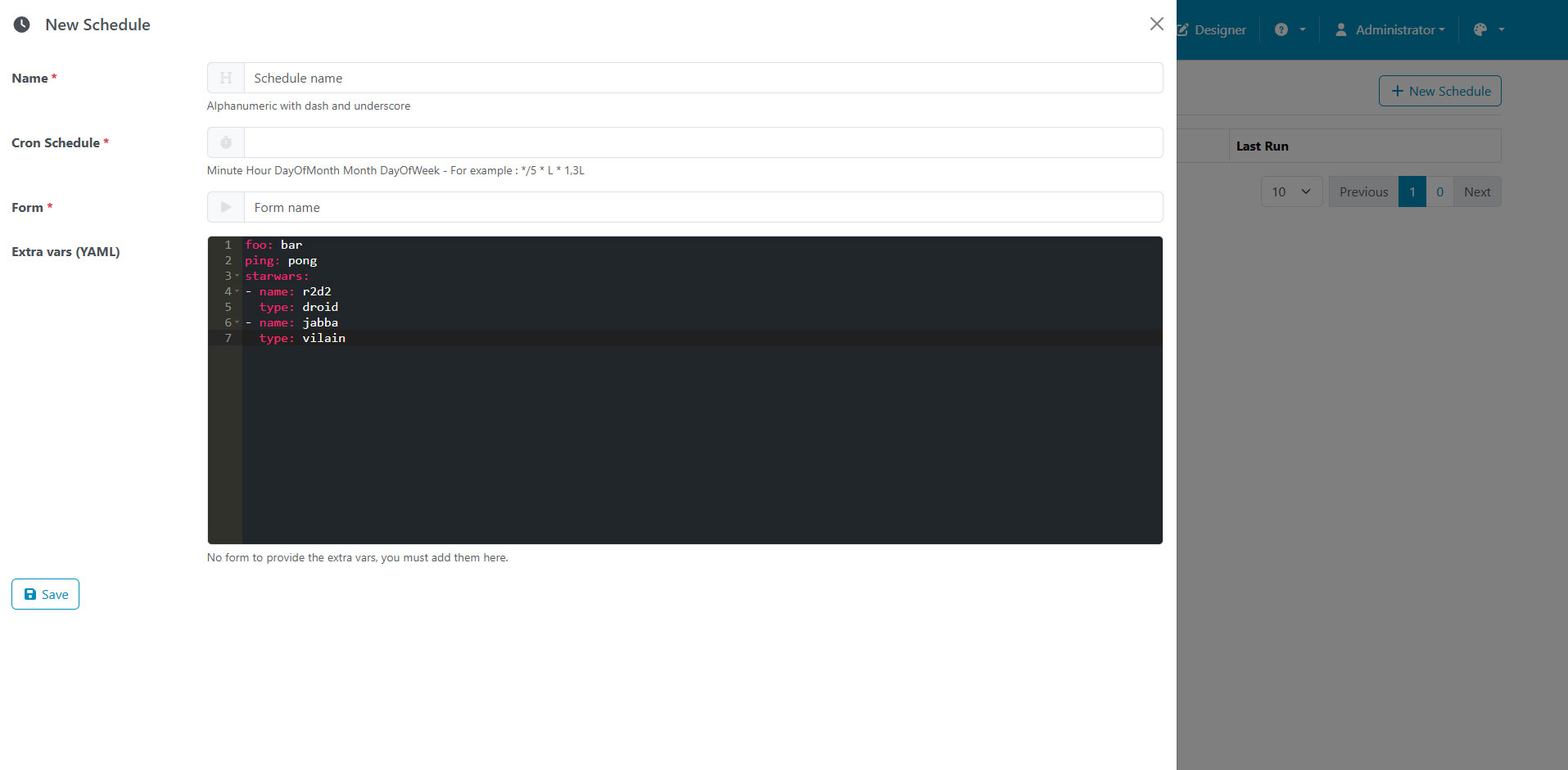
Schedules
Schedule forms to run at specific times or intervals.
Backups
Automated backup and restore functionality for forms and configurations.

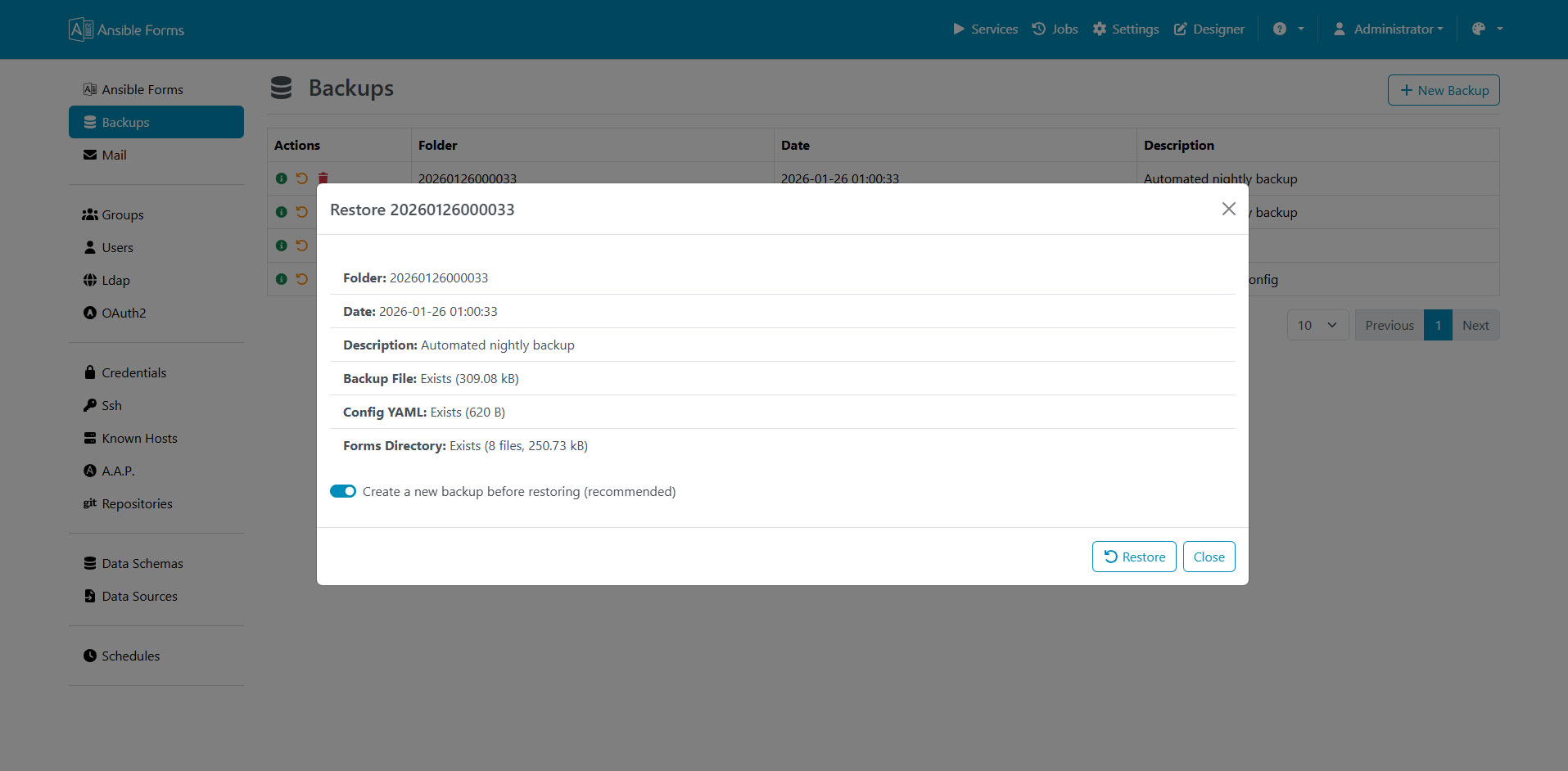
Restore
Restore forms and configurations from previous backups.
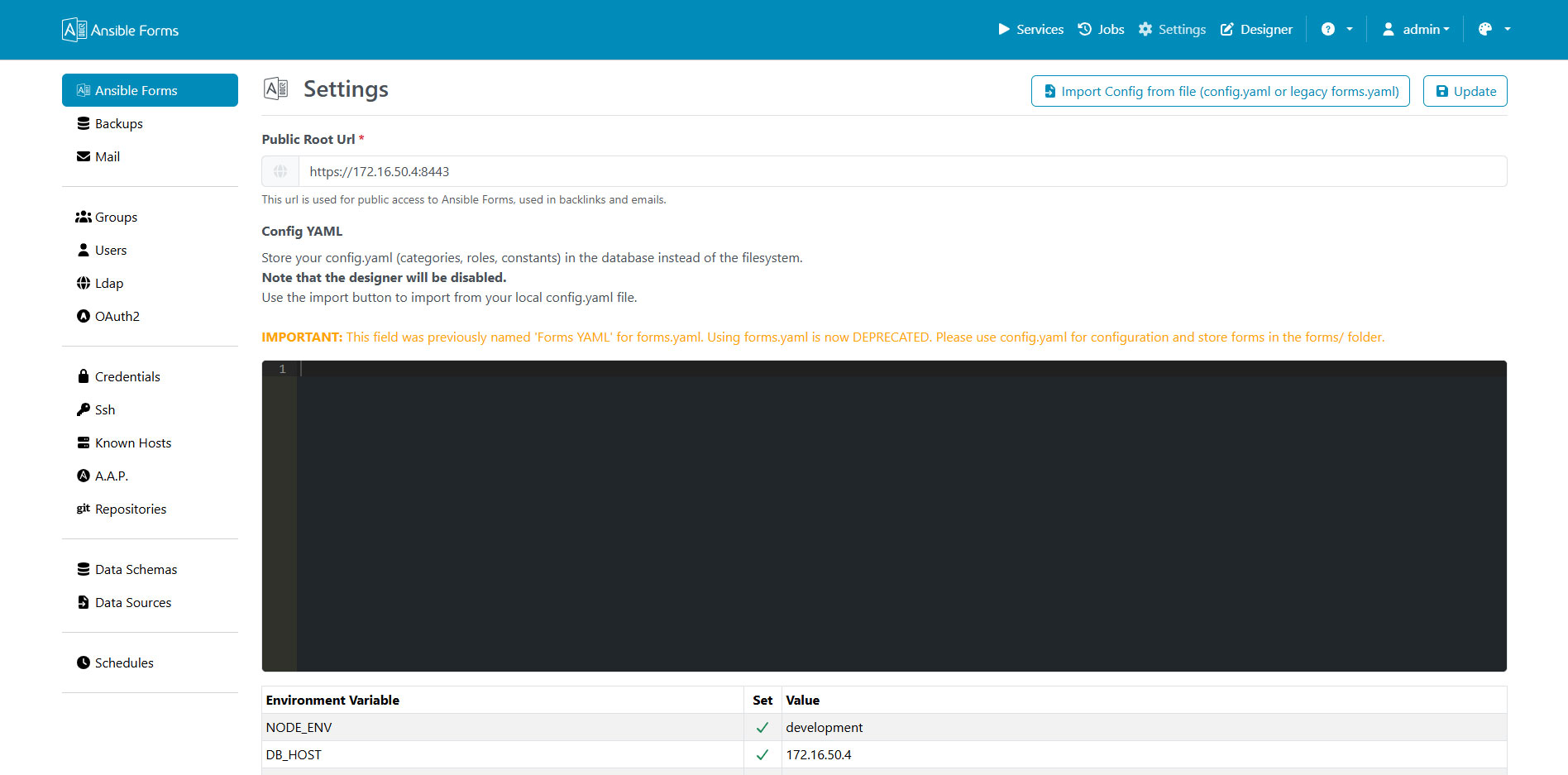
Settings
Application settings and general configuration options.
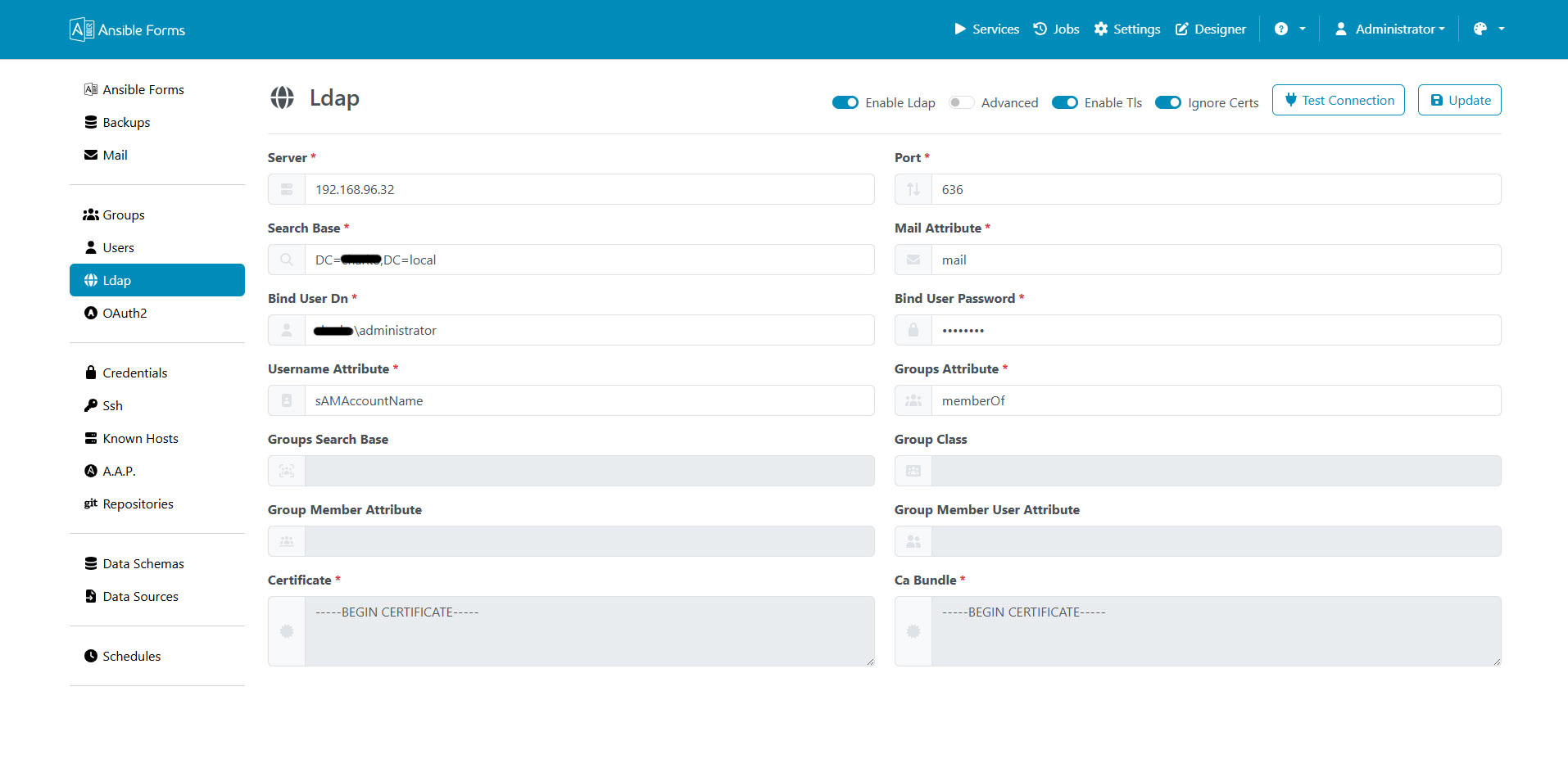
LDAP Configuration
Configure LDAP/Active Directory authentication and authorization.
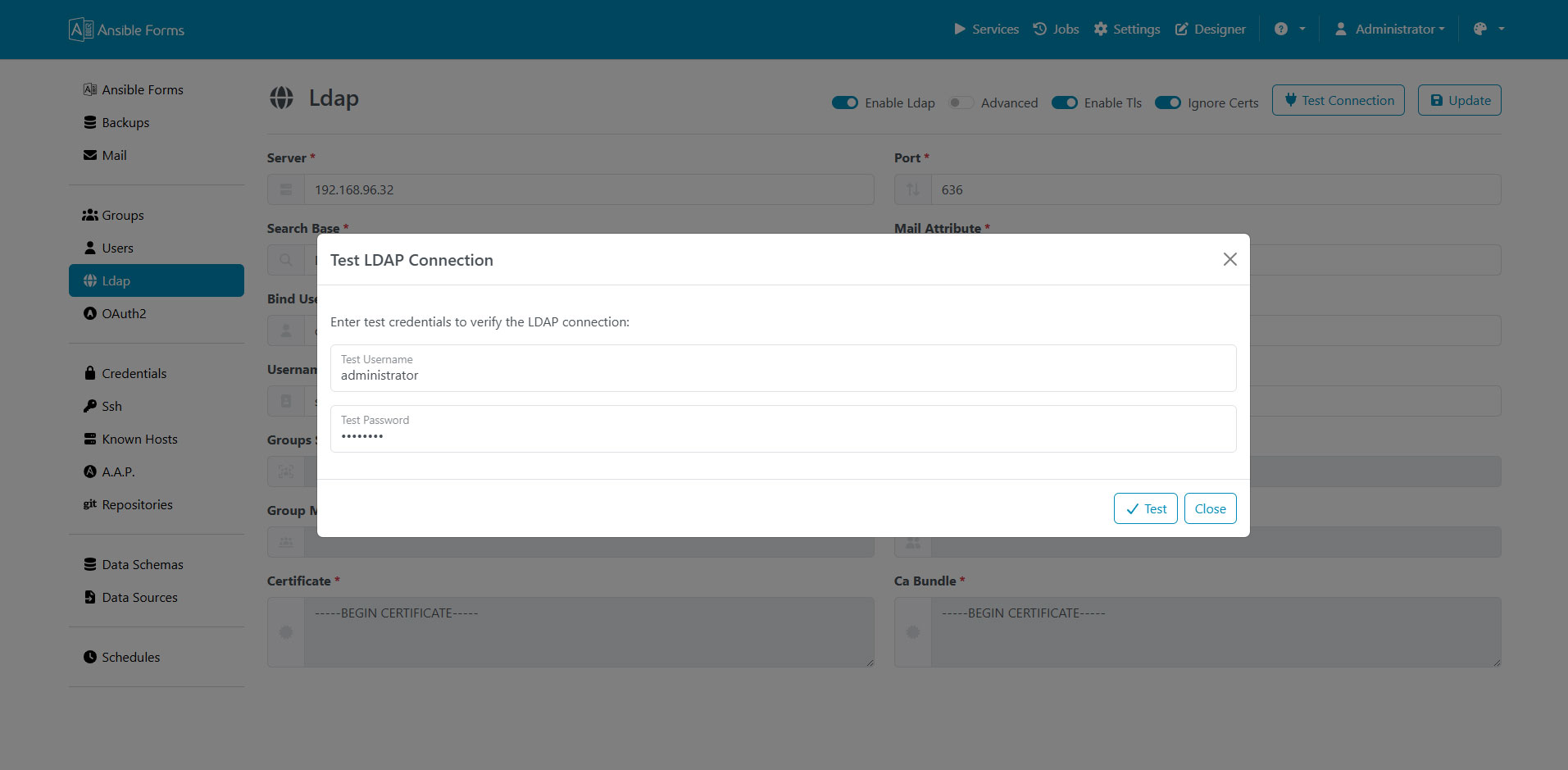
LDAP Test
Test LDAP connection and query results.
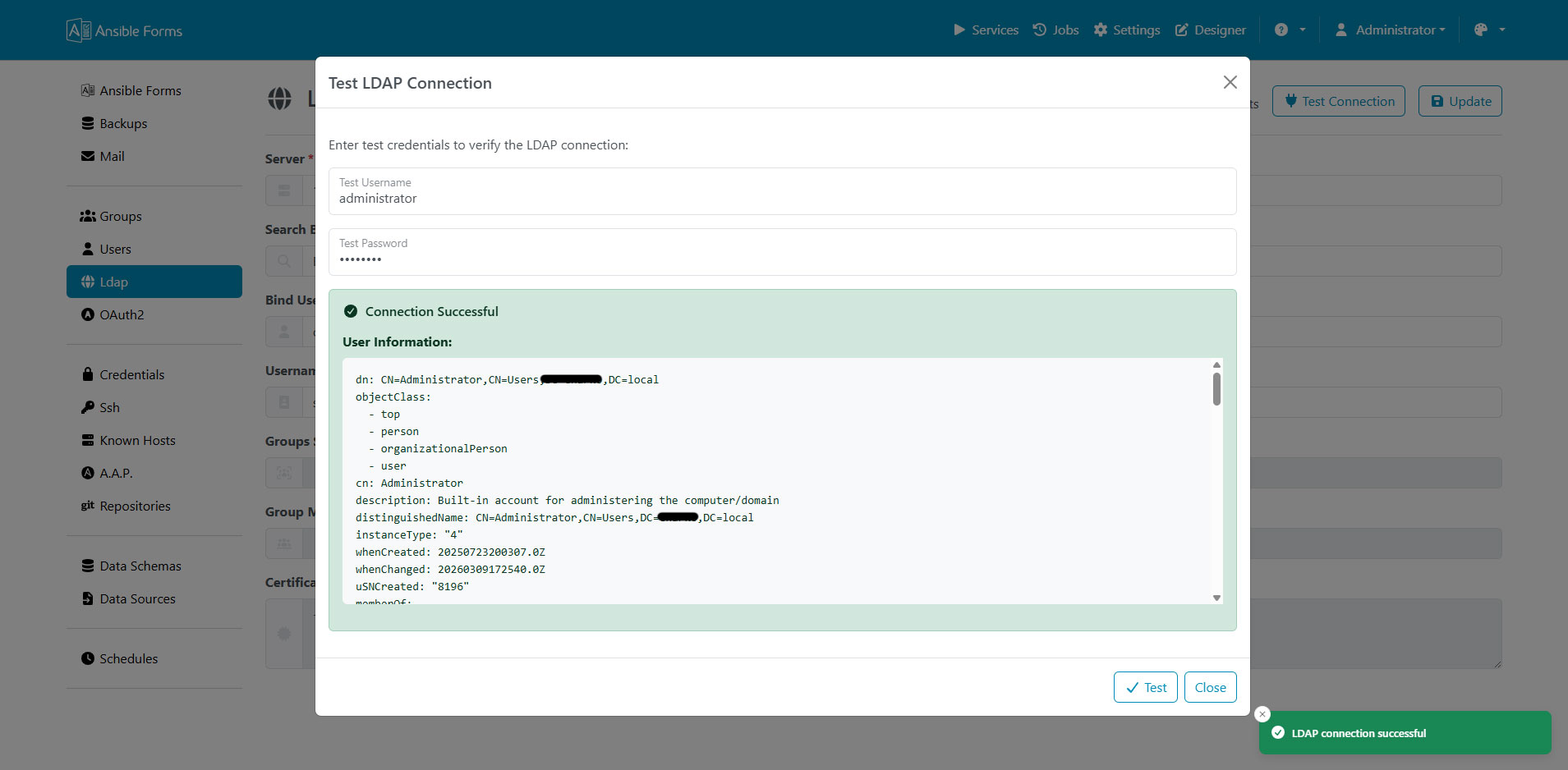
LDAP Test Output
Detailed output from LDAP connection tests.
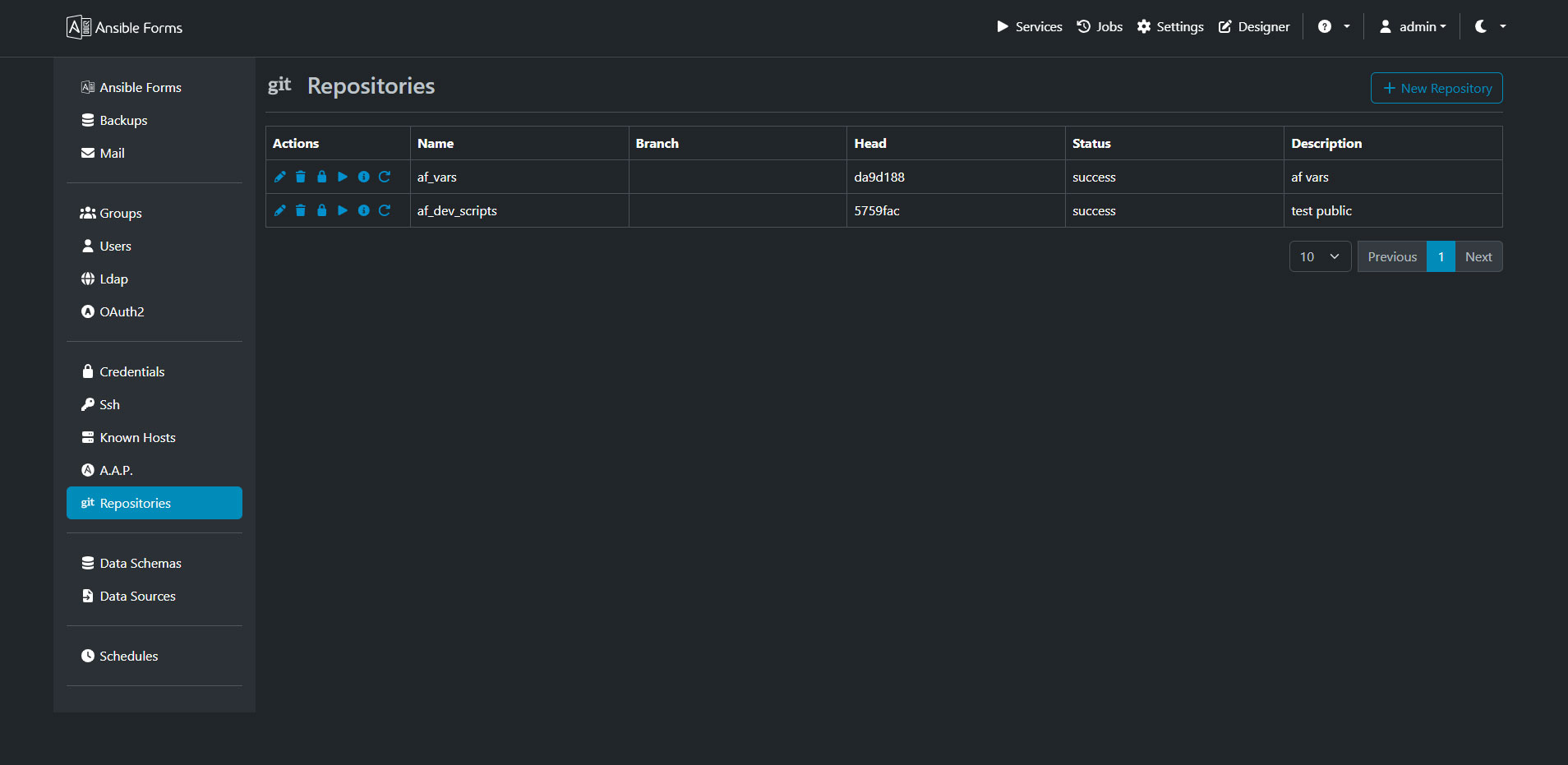
Git Repositories
Integrate with Git repositories to version control your forms and playbooks.
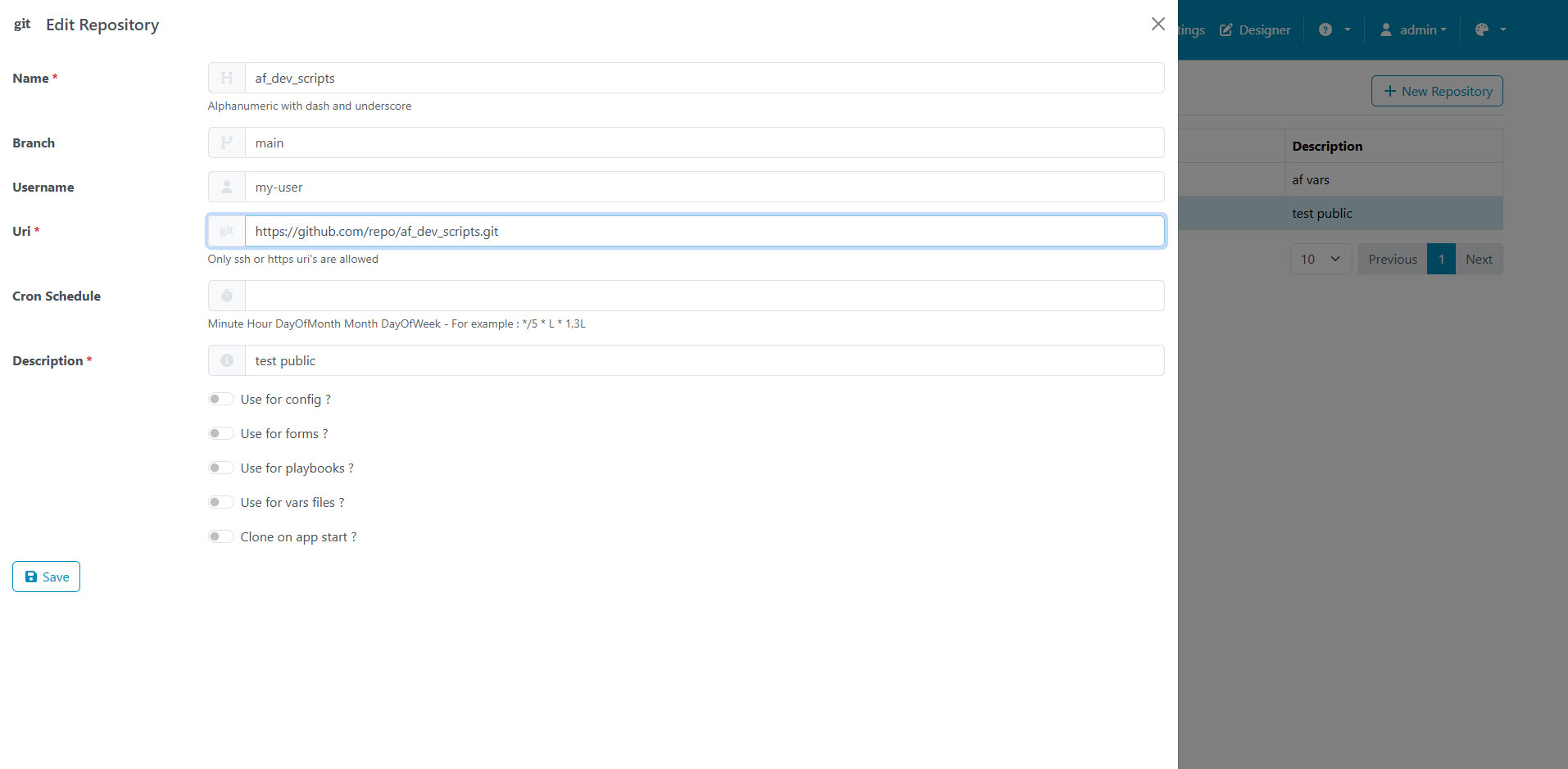
Git Repository Editor
Edit and configure Git repository integration settings.
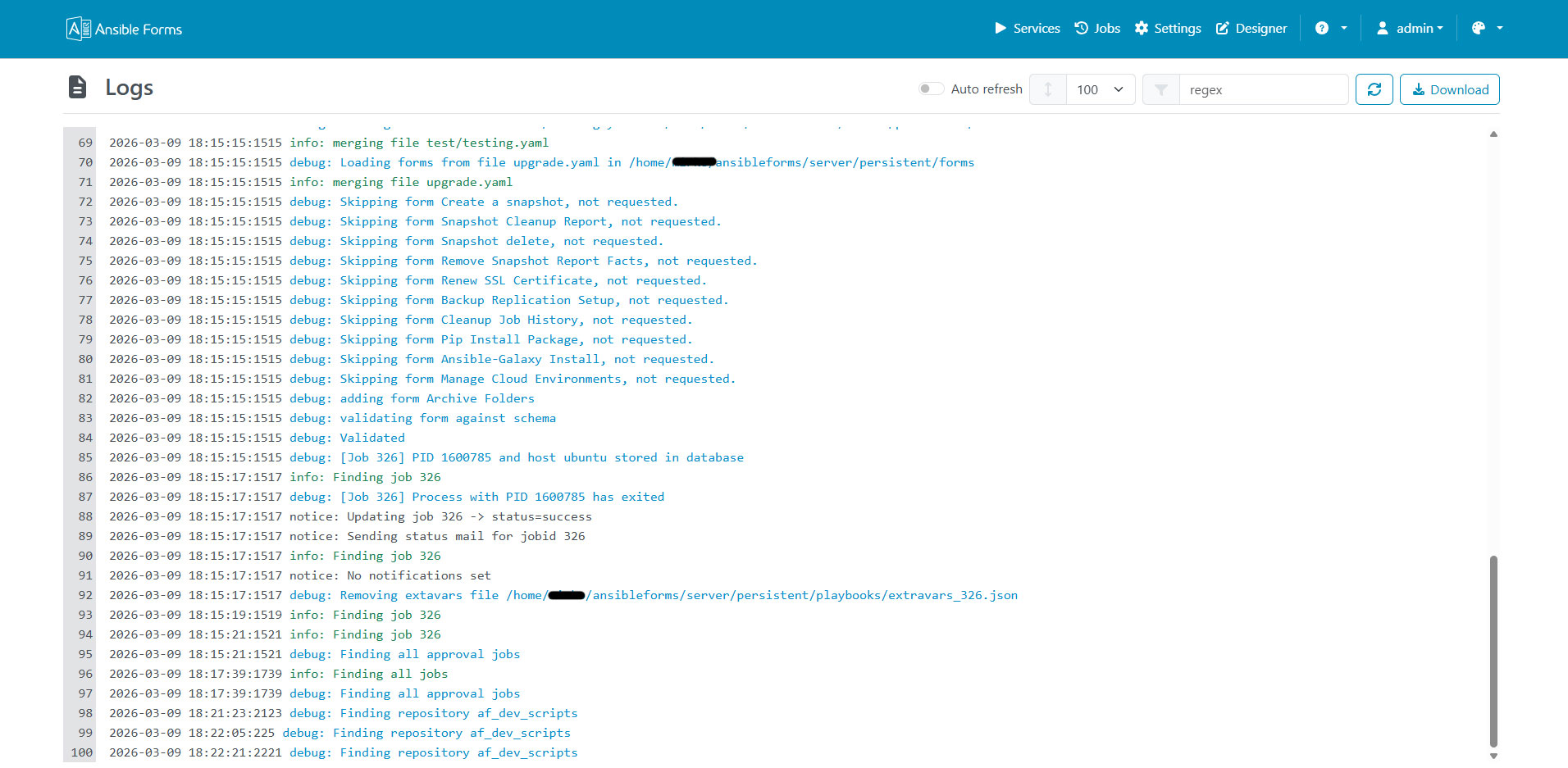
Log Viewer
Built-in log viewer for troubleshooting and monitoring.
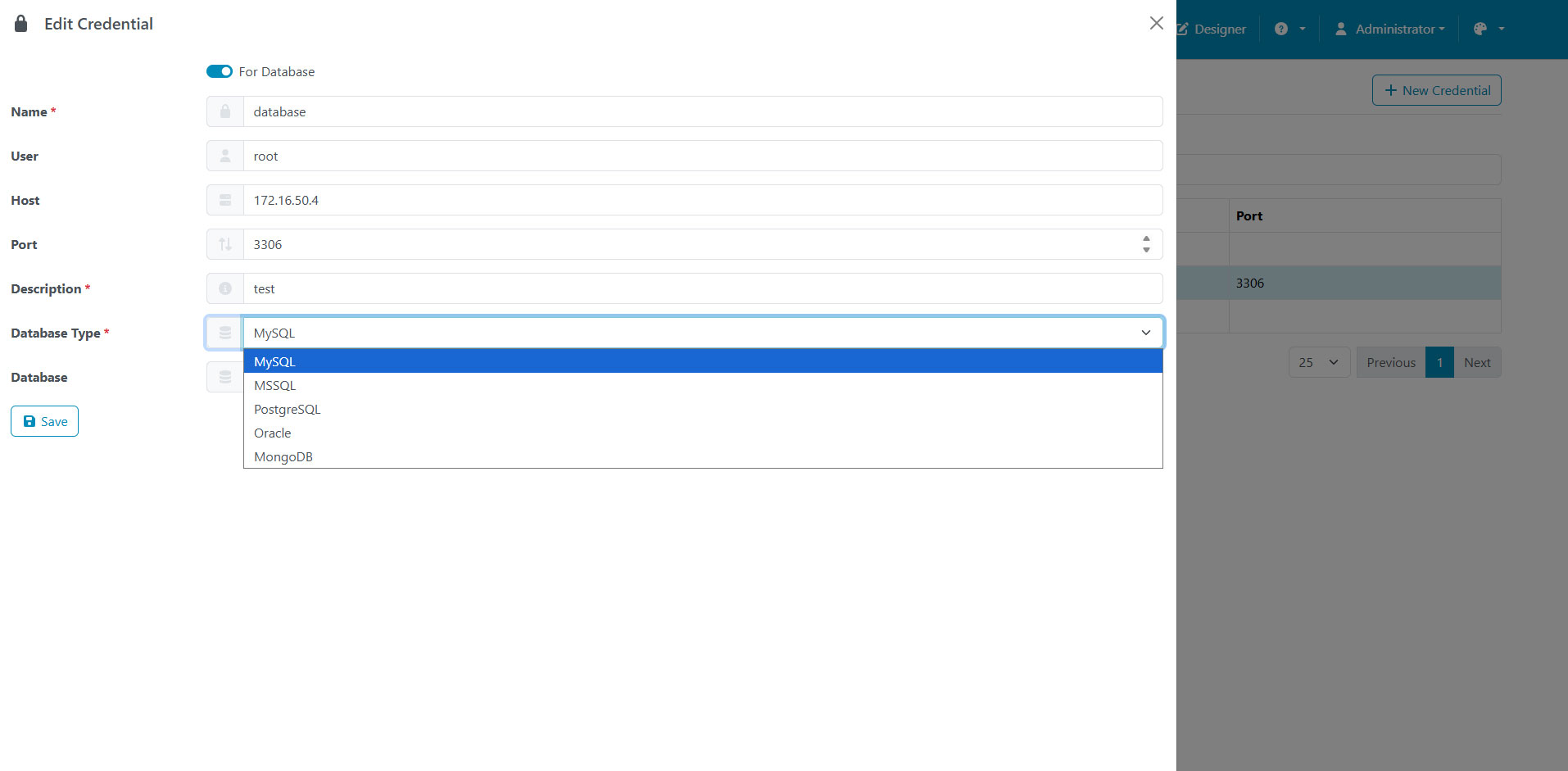
Credential Manager
Securely store and manage credentials used by playbooks.
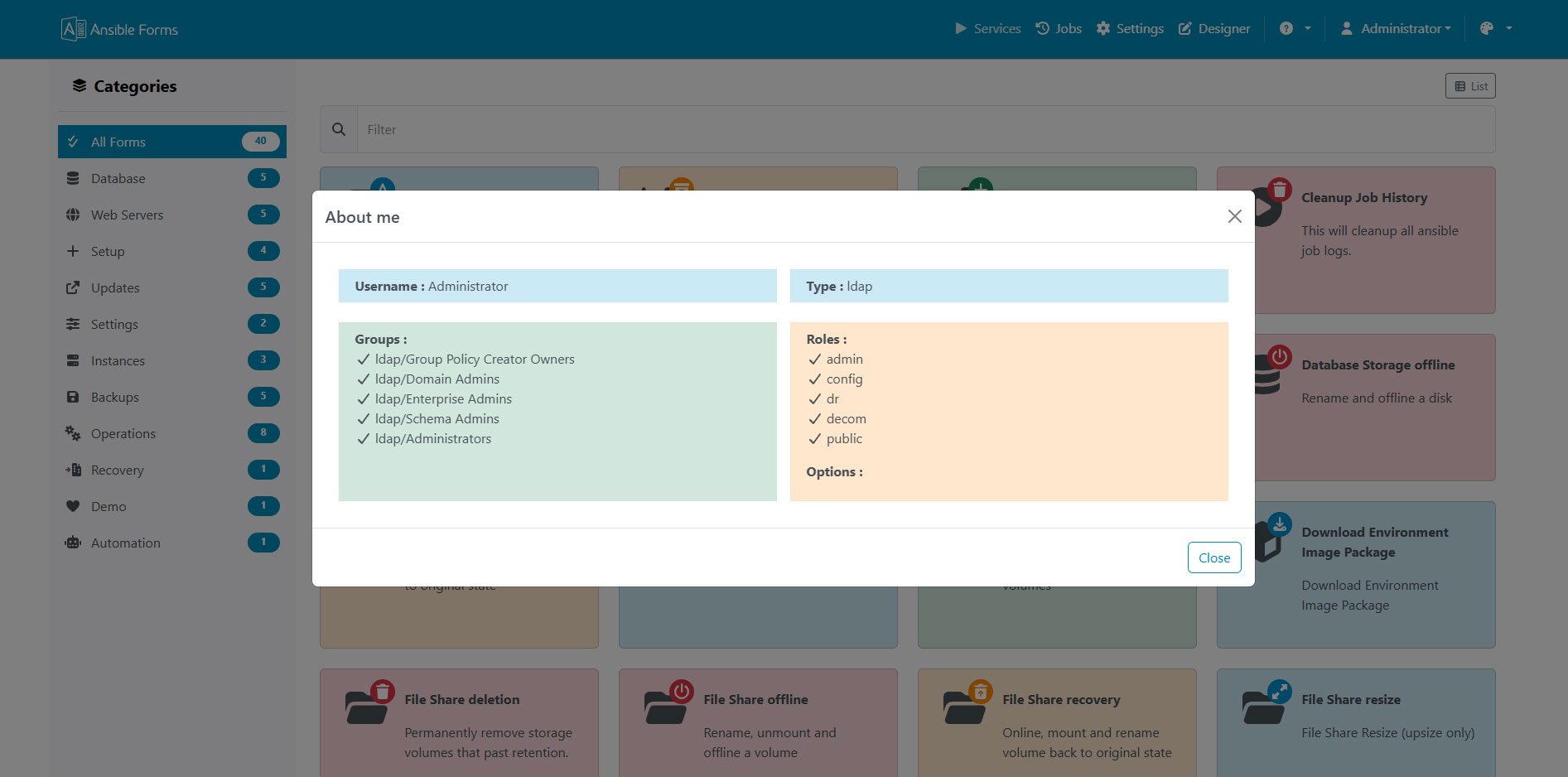
User Profile
View and edit your user profile and preferences.
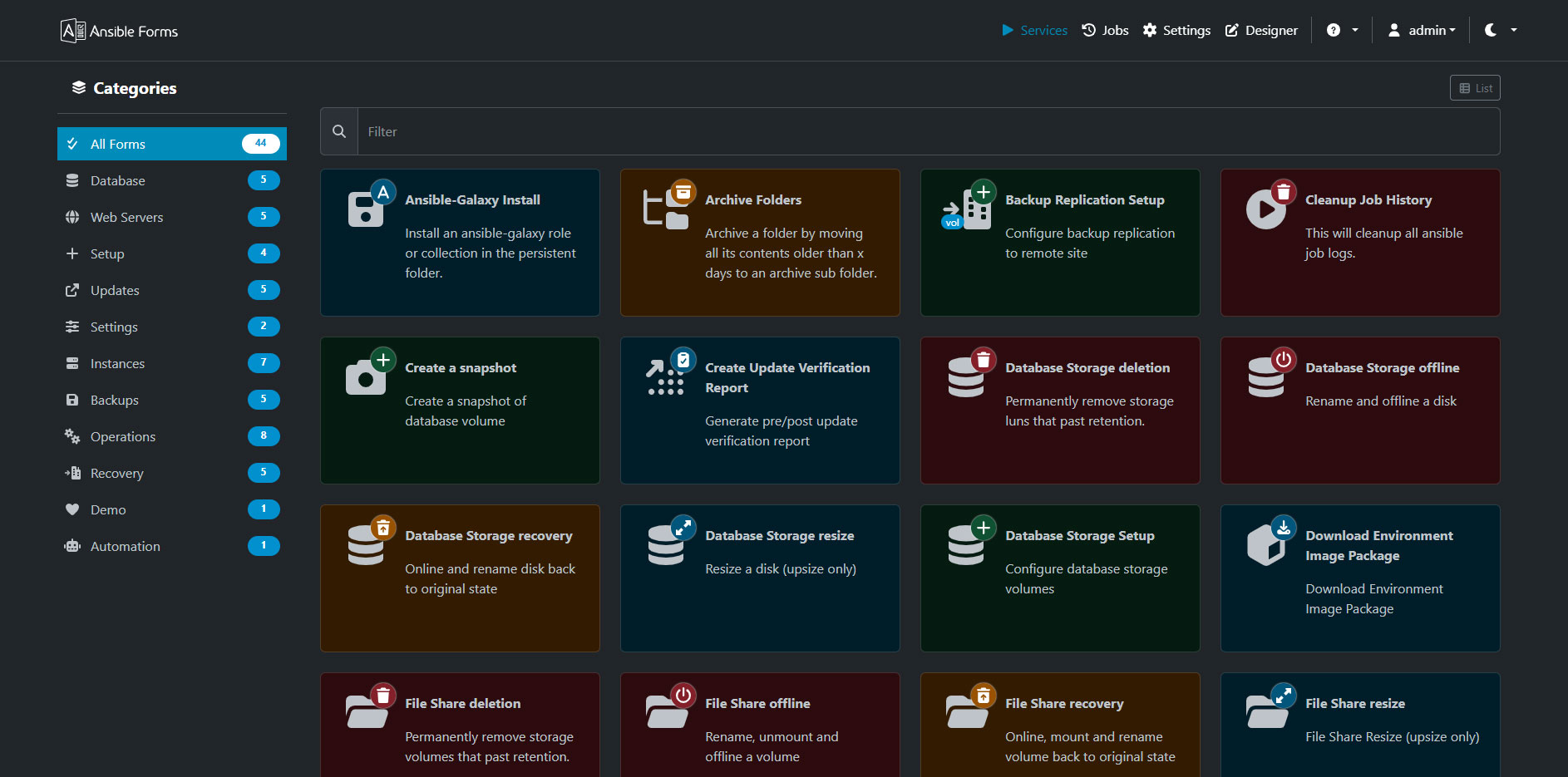
Dark Mode
AnsibleForms supports dark mode for reduced eye strain.
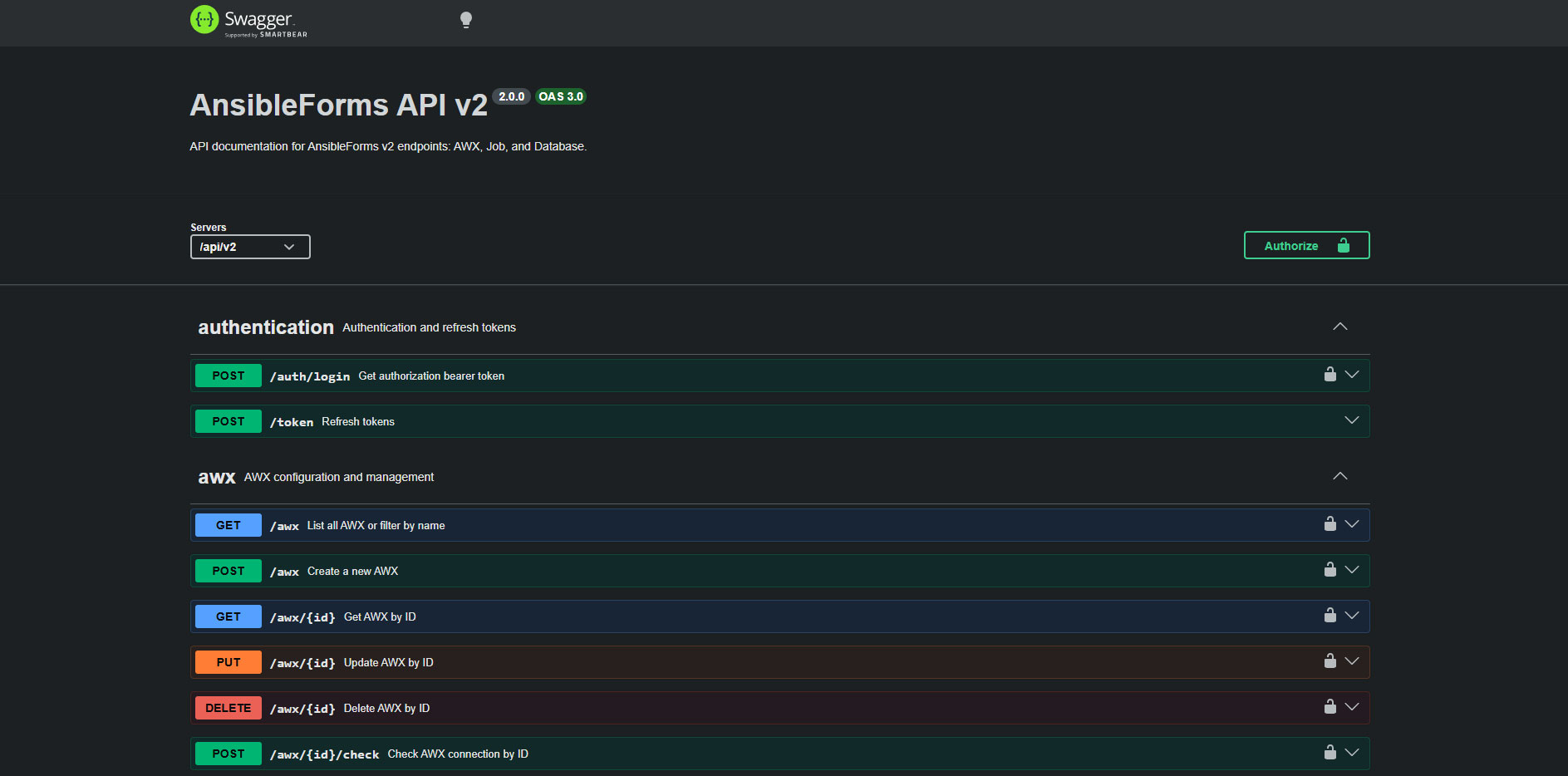
Swagger Interface
Interactive API documentation and testing via Swagger UI.