Forms and jobs
Signing in, the dashboard, filling in a form and following its jobs
Login
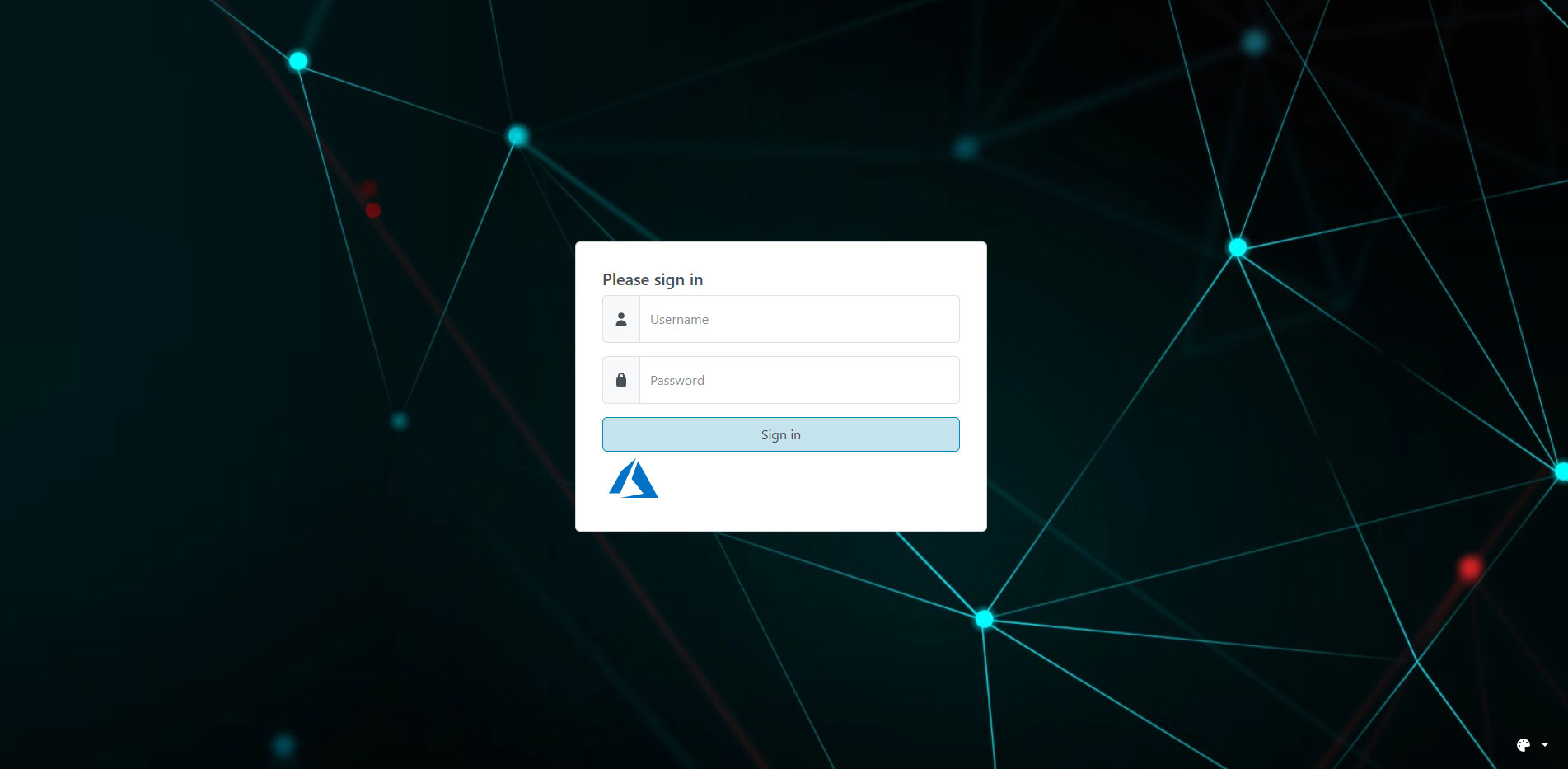
The user authentication page, with support for local, LDAP, Entra ID and OIDC authentication.
The Dashboard
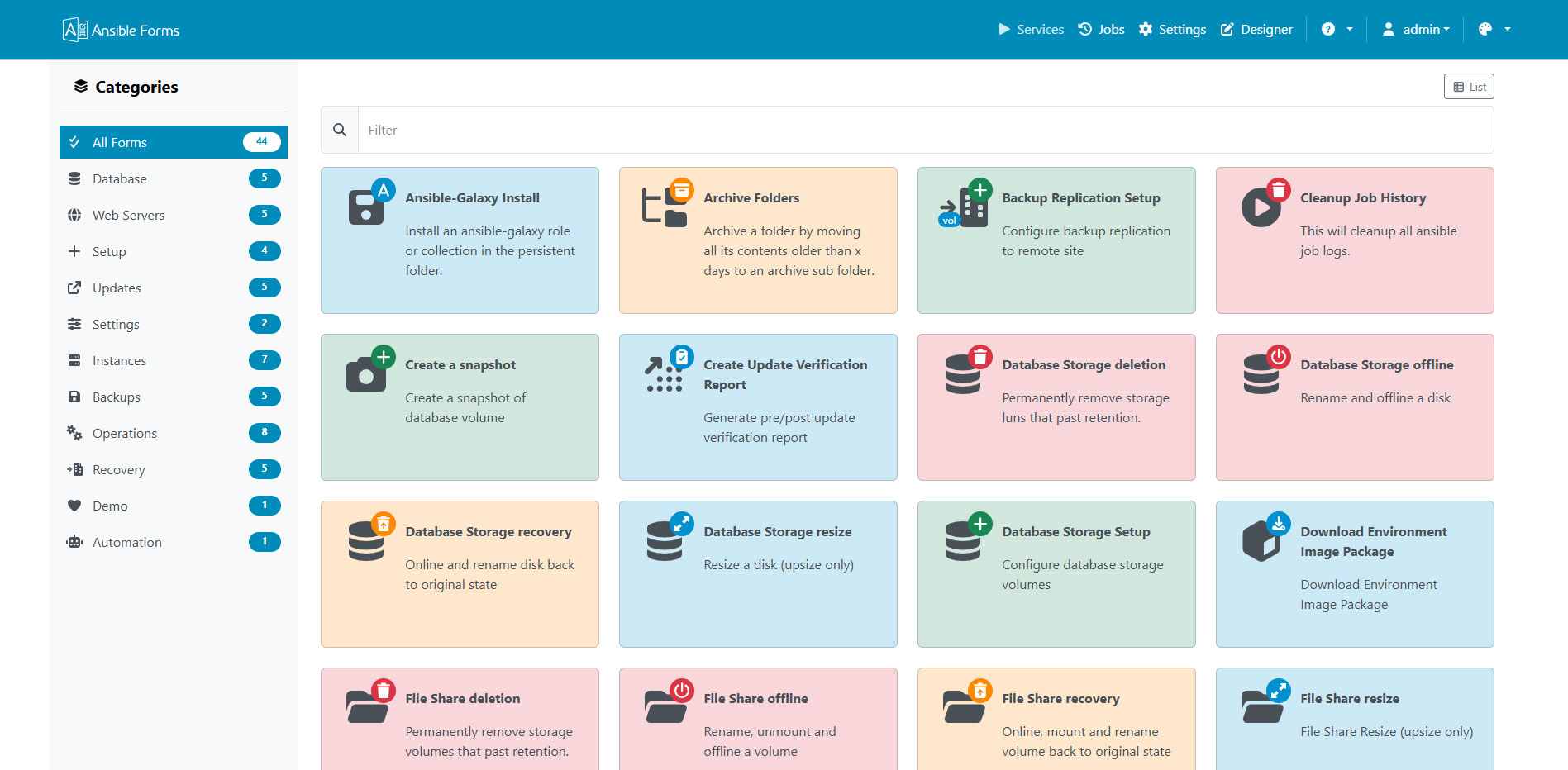
The main dashboard displays all available forms organized by category.
A Form
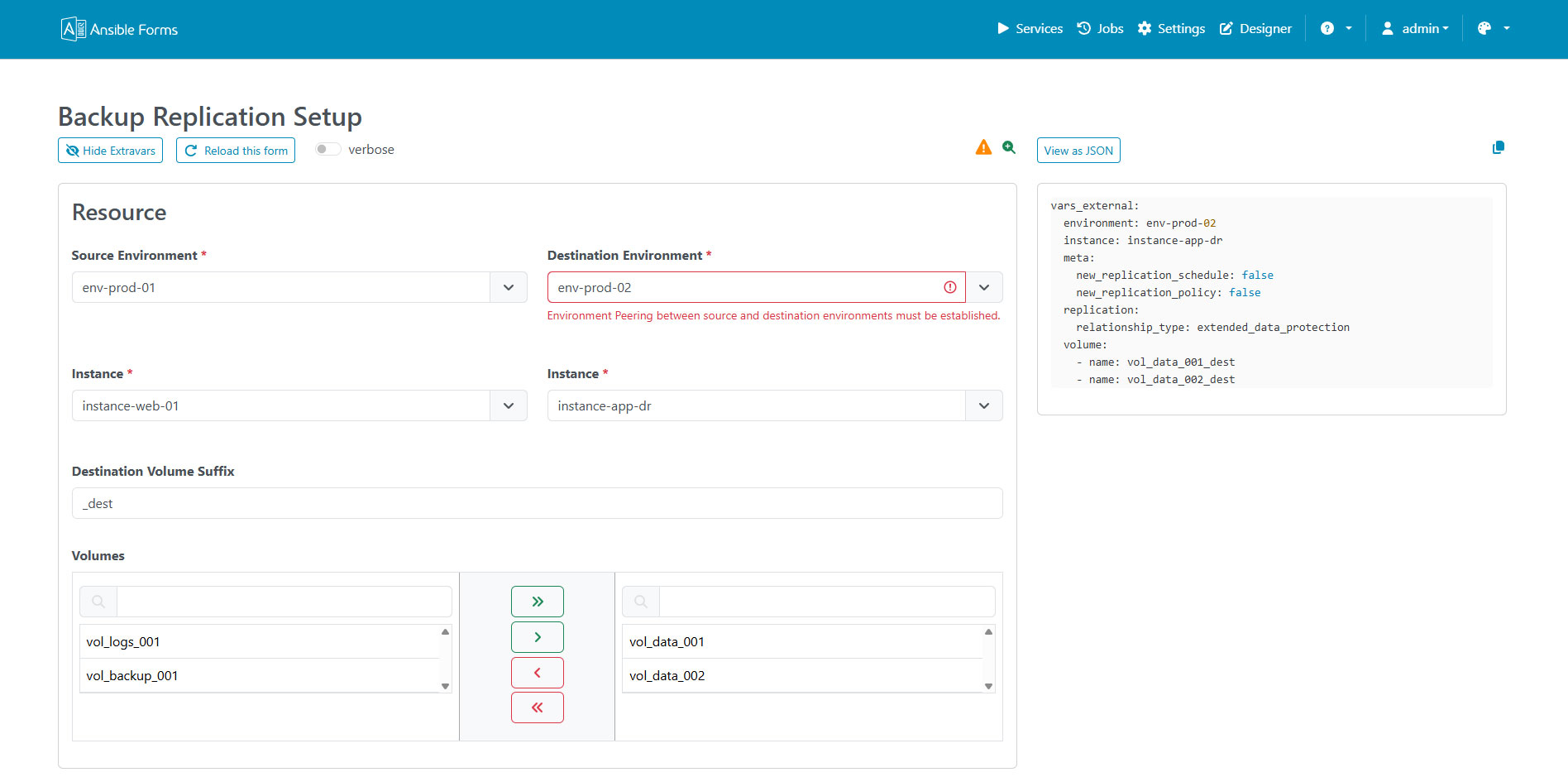
An example of a form with external data sources and dynamic fields.
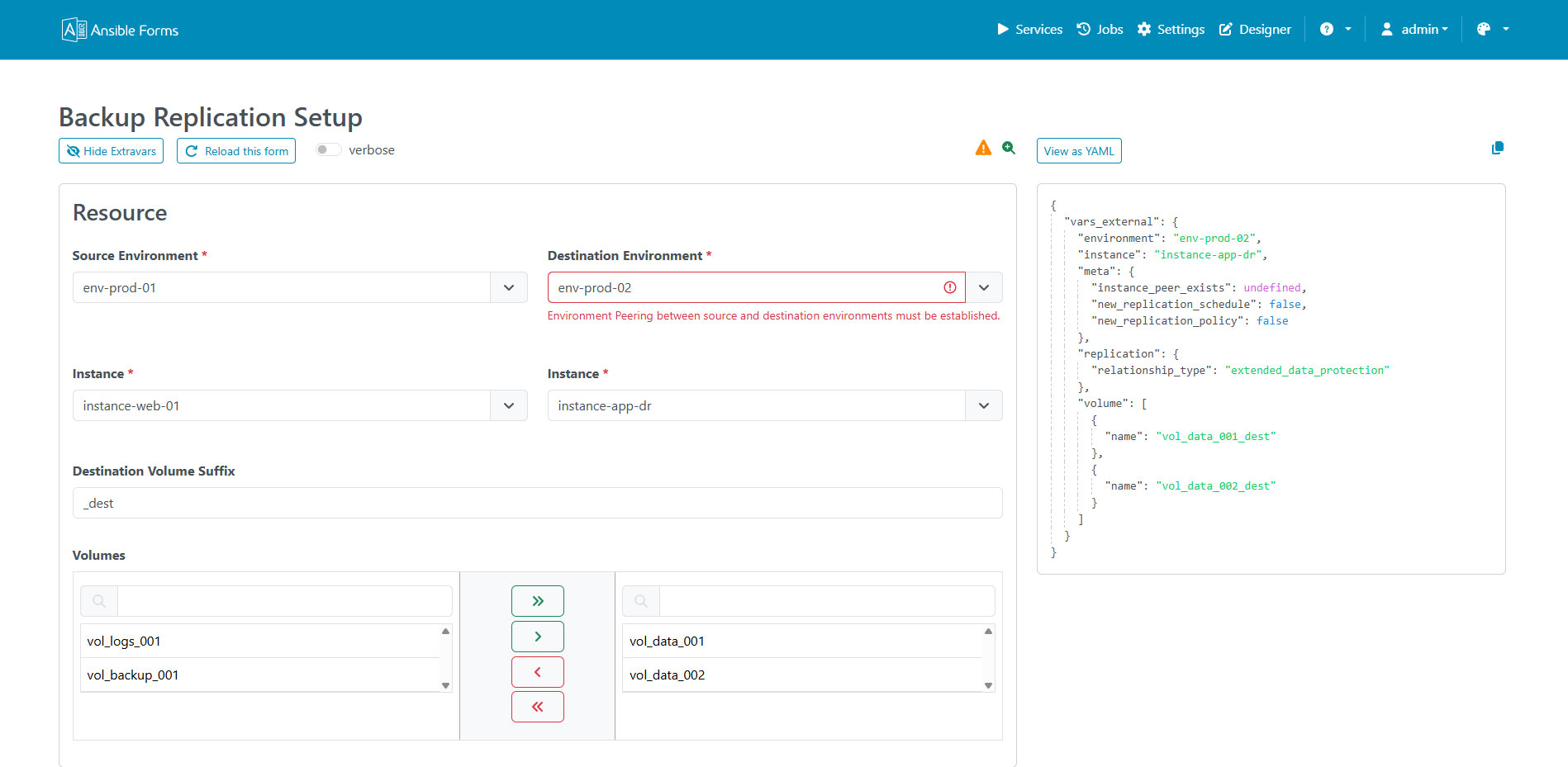
Form JSON Preview
Preview the JSON payload and extra variables passed to Ansible before you run the job.
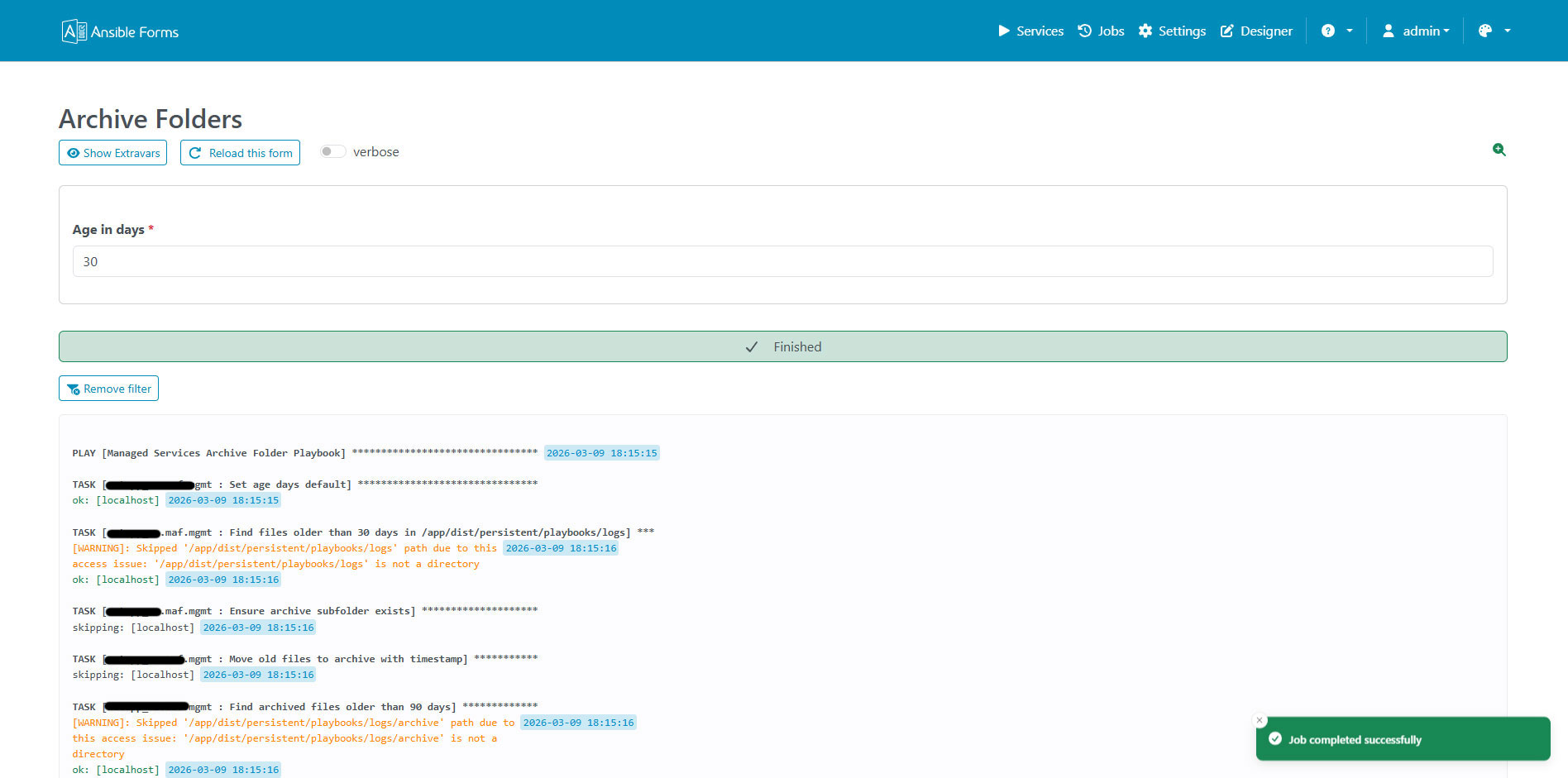
Running Job
Real-time execution of an Ansible playbook with live output.
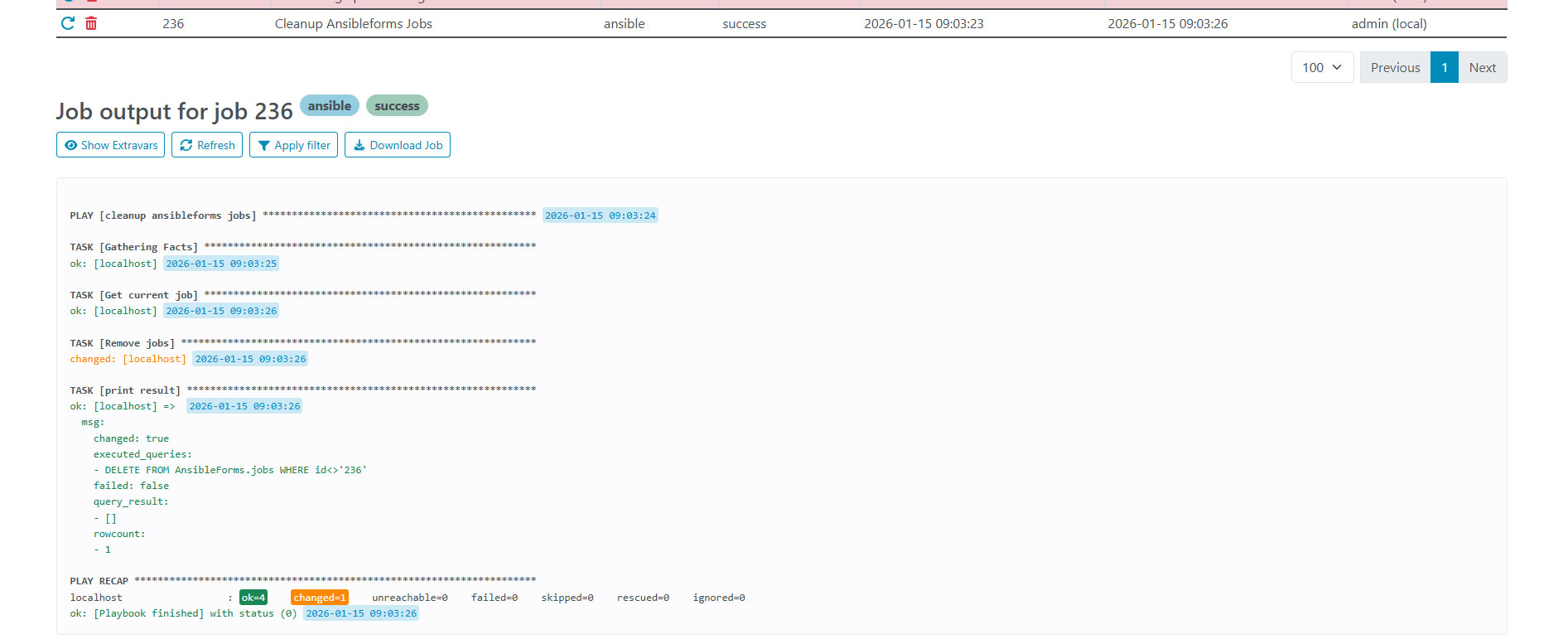
Job Output
Complete output from an executed Ansible playbook.
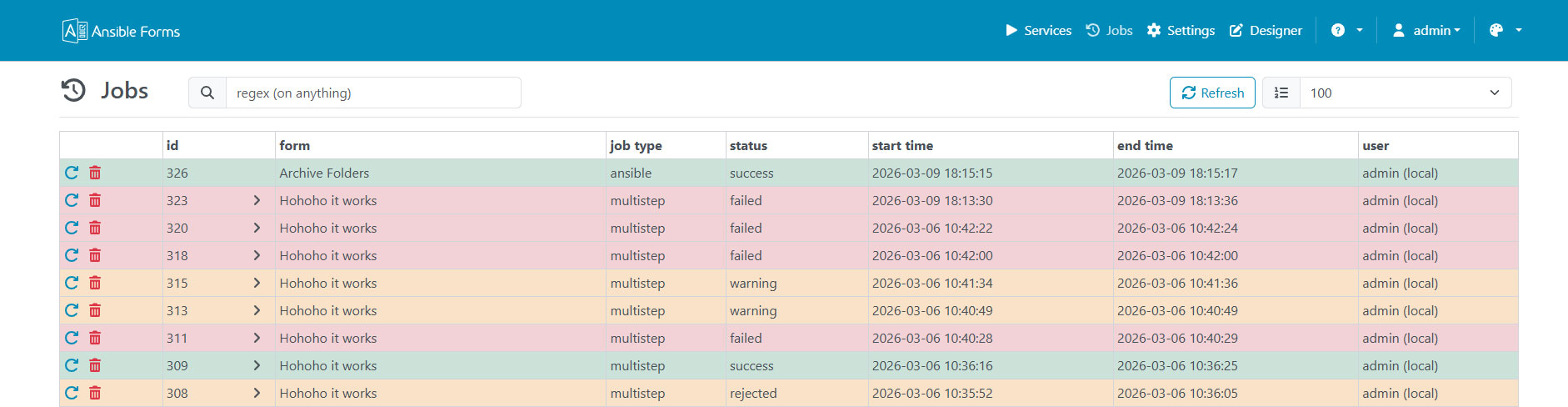
Job Logs
All jobs with their status and times, filtered by status from the left menu.
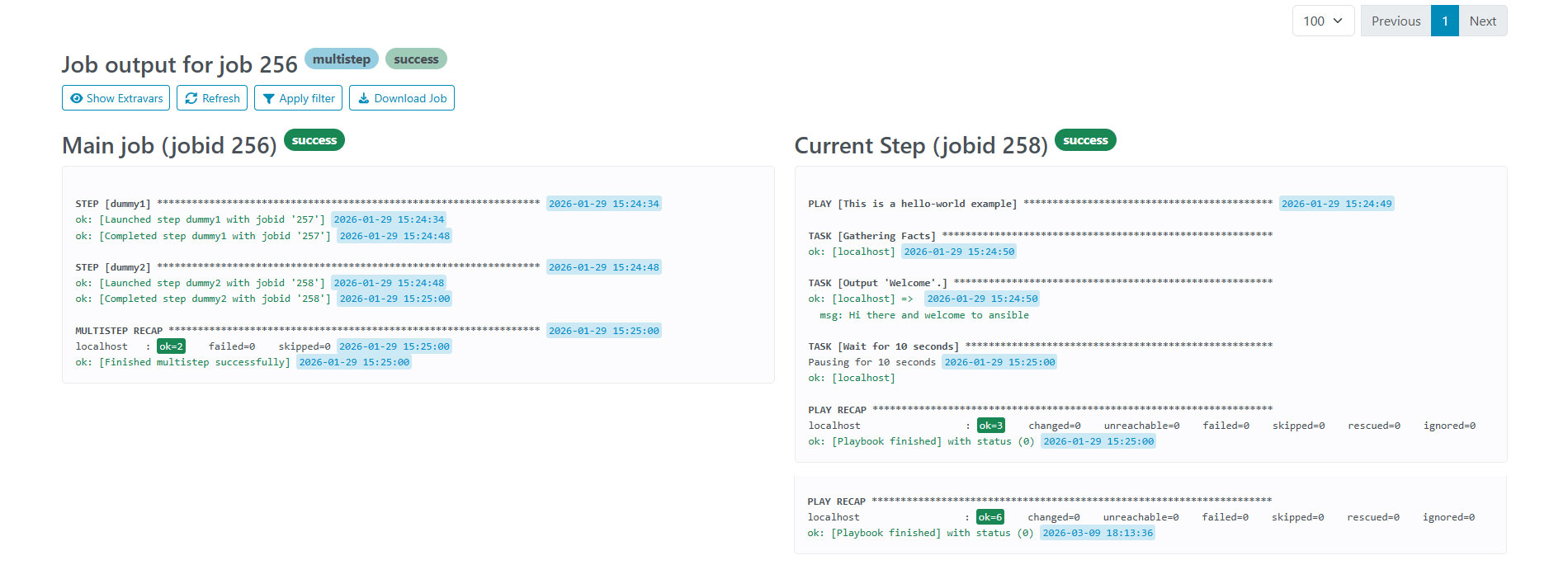
Multi Step
Forms can be split into multiple steps for complex workflows.
Schedules
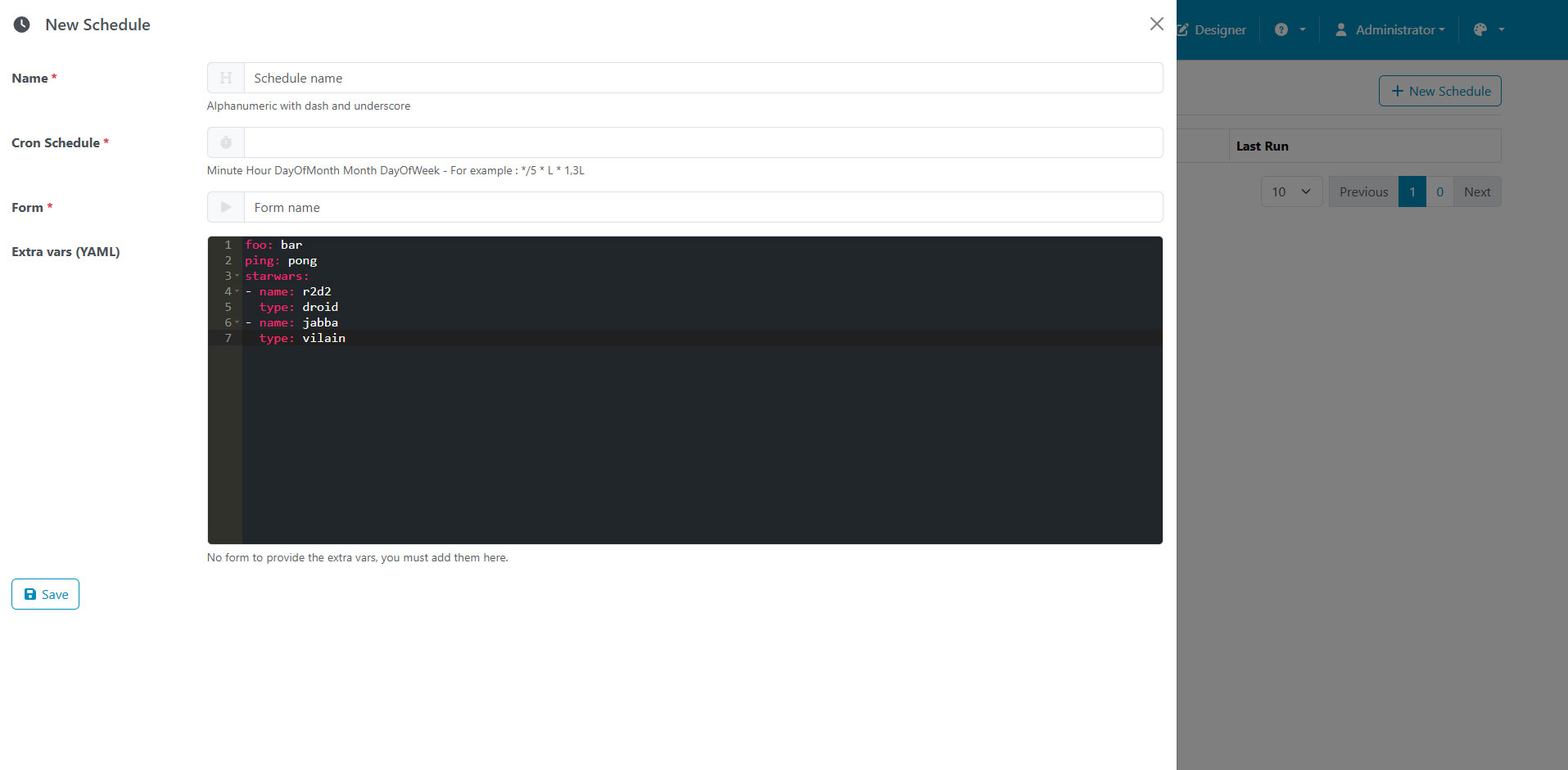
Schedule forms to run at specific times or intervals. The cron examples list common expressions, and explain which time zone a schedule runs in.