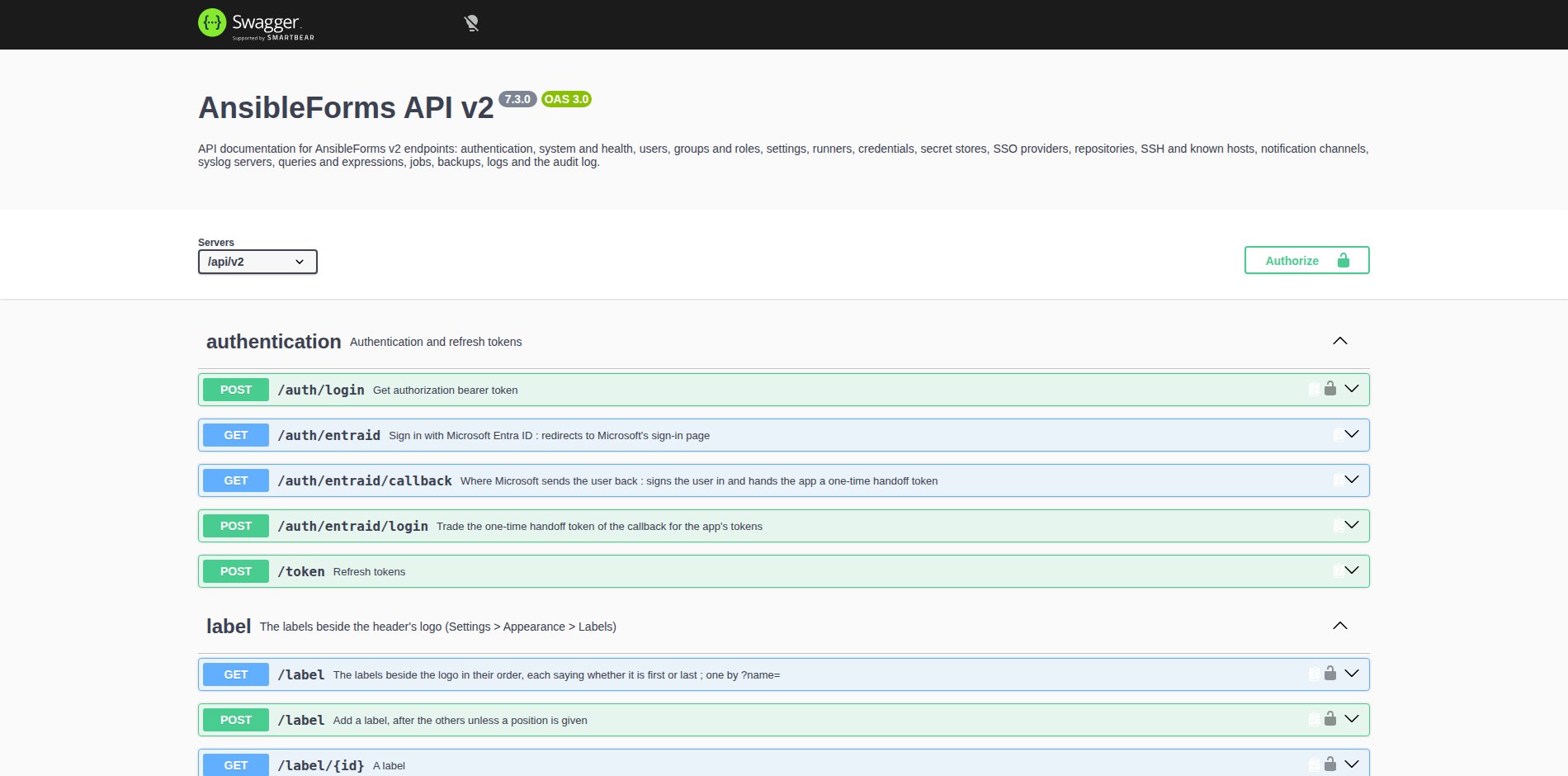
Administration
The Settings menu: the system, its appearance, access, connections and logs
The Settings menu
Settings in the header opens the administration pages, grouped in the left menu under System, Appearance, Access, Connections and Logs. Each entry shows only to a user with the role option its page needs: allowBackupOps for Backups, showLogs for Server log, and showSettings for every other page. From 7.3.0 three options open a part of them without the rest:
| Role option | Opens |
|---|---|
showAppearanceSettings | The Appearance pages |
showConnectionsSettings | The Connections pages, except Syslog; repositories, secret stores and guarded credentials stay an admin’s to change |
showAuditLog | The Audit log |
See Roles for the role options.
Lists and record pages
From 7.3.0 the settings lists and record pages share one layout, with their controls on a row of their own under the title:
| Part | How it works |
|---|---|
| Search box | First in that row on every settings page and record page. A word narrows every tab at once: the matching fields, rows or lines show under their tab’s name |
| Page size | A table shows as many rows as fit the screen until a page size is picked: 10, 20, 50 or 100 |
| Columns | Every named column sorts, and an empty cell shows – |
| Checkboxes | Rows have them only where something can be done with the rows ticked, and the row menu (⋮) offers the same action |
| Row menu | Short labels, such as Edit and Delete. A list with an Enabled column has it first, and offers Enable or Disable in each row menu, whichever applies |
The lists with an Enabled column are the SSO providers, the LDAP directories, the runners, the schedules, the notification channels, the syslog servers, the announcements, the labels and the disclaimer’s versions.
System
The instance itself: its settings, its health and its backups.
| Page | What it is for |
|---|---|
| General | The environment variables, in tabs from Configuration to Logging. See Environment Variables. |
| Status | The health of the instance and the systems it depends on, in the tabs Checks and Information. See Monitoring. |
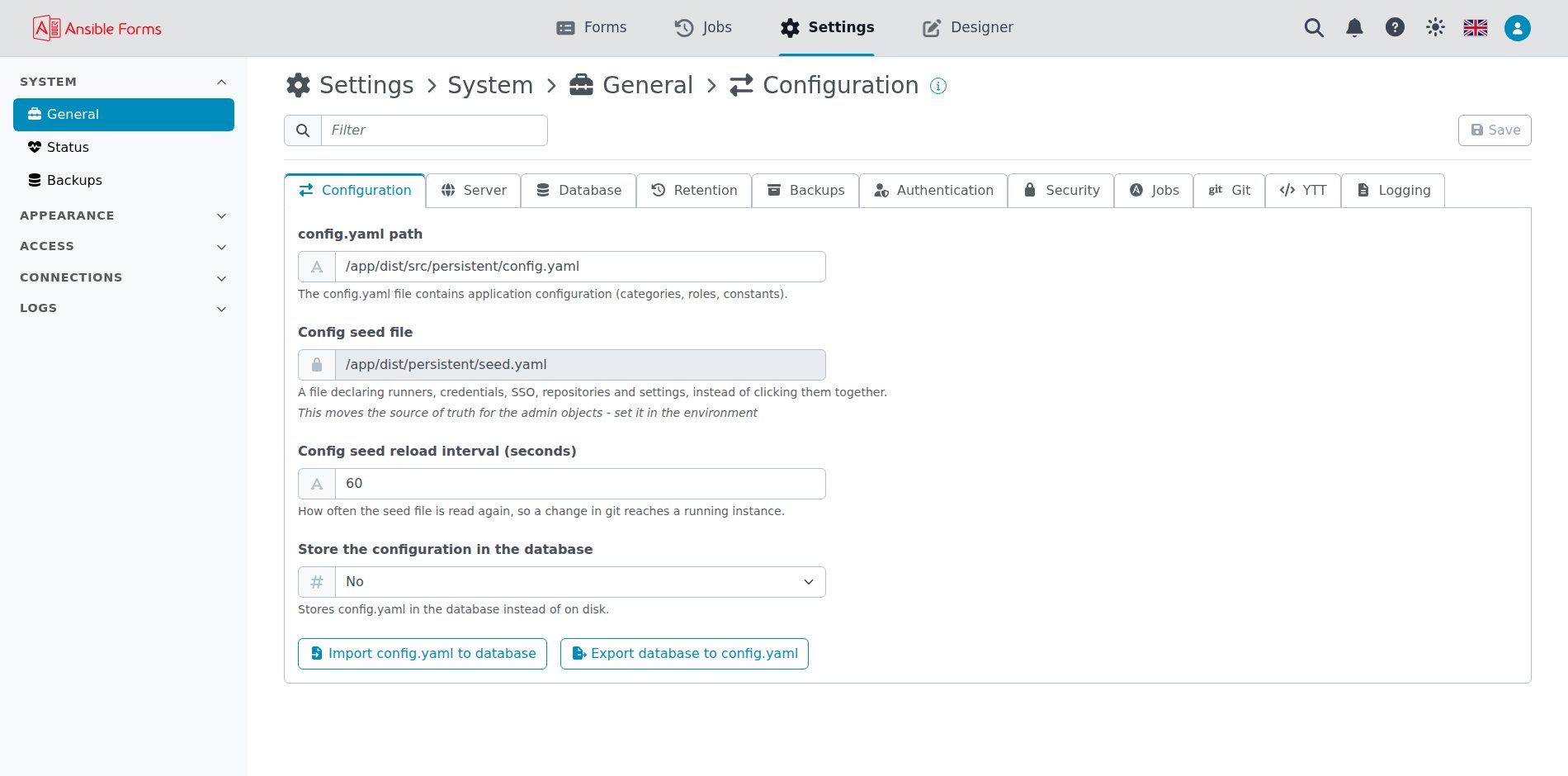
| Backups | Take, restore and delete backups of the database, config.yaml and the forms. See Backups. |
Backups
The list of backups, nightly and manual: Add backup takes one now, and a row’s menu has Show backup, Restore and Delete.
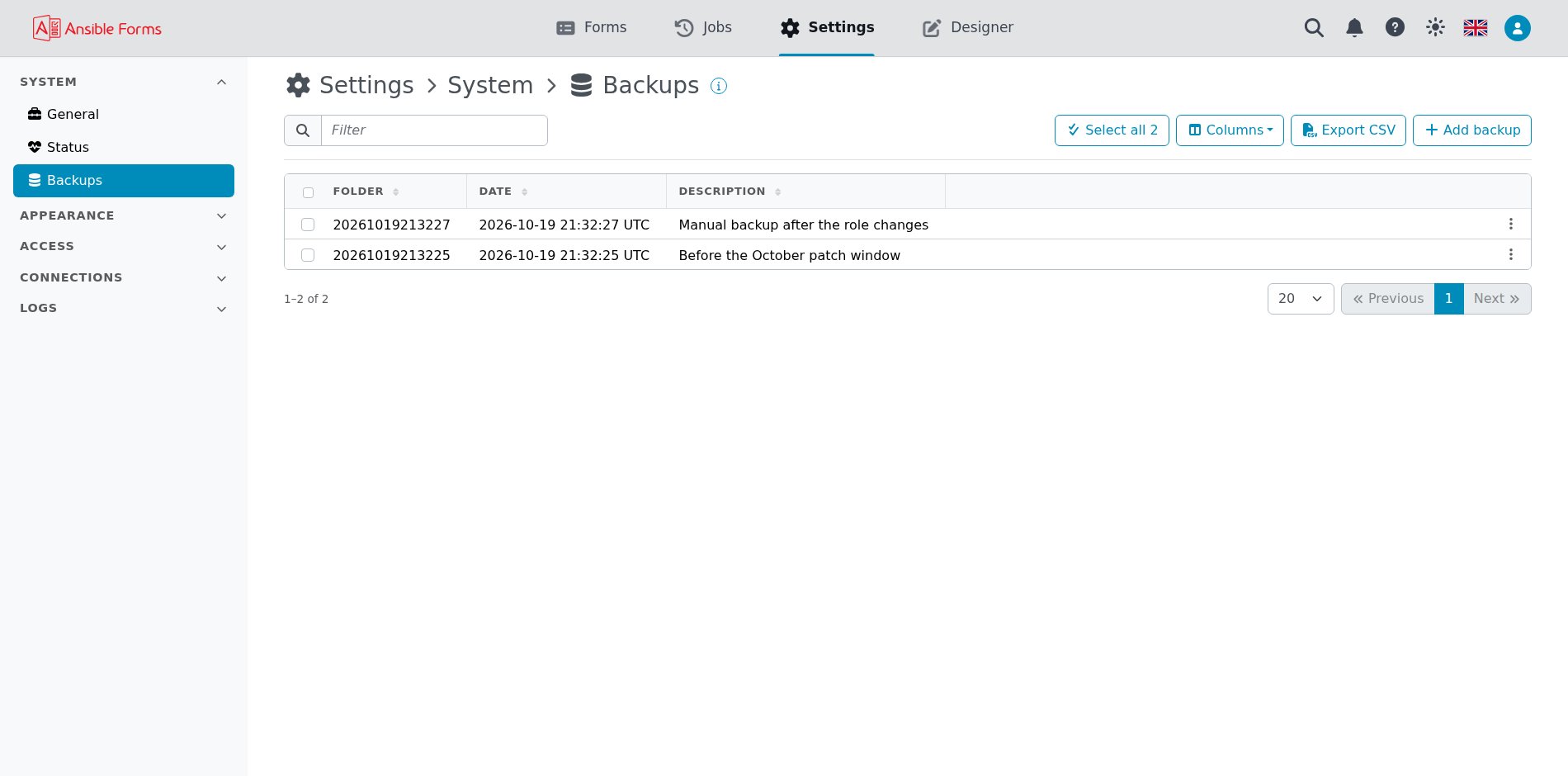
Restore
Restore shows what the backup holds, then restores it; Create a new backup before restoring (recommended) is ticked by default.
Appearance
How the instance looks for everyone, and the messages it shows.
| Page | What it is for |
|---|---|
| Defaults | The theme, language, forms view, time zone and date format of users who chose none. See Defaults. |
| Name | The name in the browser tab and on the sign-in page. See Name. |
| Logo | Your own logo in the header. See Logo. |
| Icon | Your own icon in the browser tab. See Icon. |
| Links | The Designer link, and your own links and menus in the header. See Links. |
| Labels | Labels beside the logo, such as PRODUCTION and EU. See Labels. |
| Announcements | Messages under the header, each from its start to its end. See Announcements. |
Access
Who may sign in, and what they may do once in.
| Page | What it is for |
|---|---|
| Disclaimer | Terms every user accepts once, and who accepted which version. See Disclaimer. |
| Users | The local users, and the LDAP and single sign-on ones. See Users and groups. |
| Groups | The local groups, and the LDAP and single sign-on ones. See Users and groups. |
| Roles | The roles of config.yaml: who has them and what they allow. See Roles. |
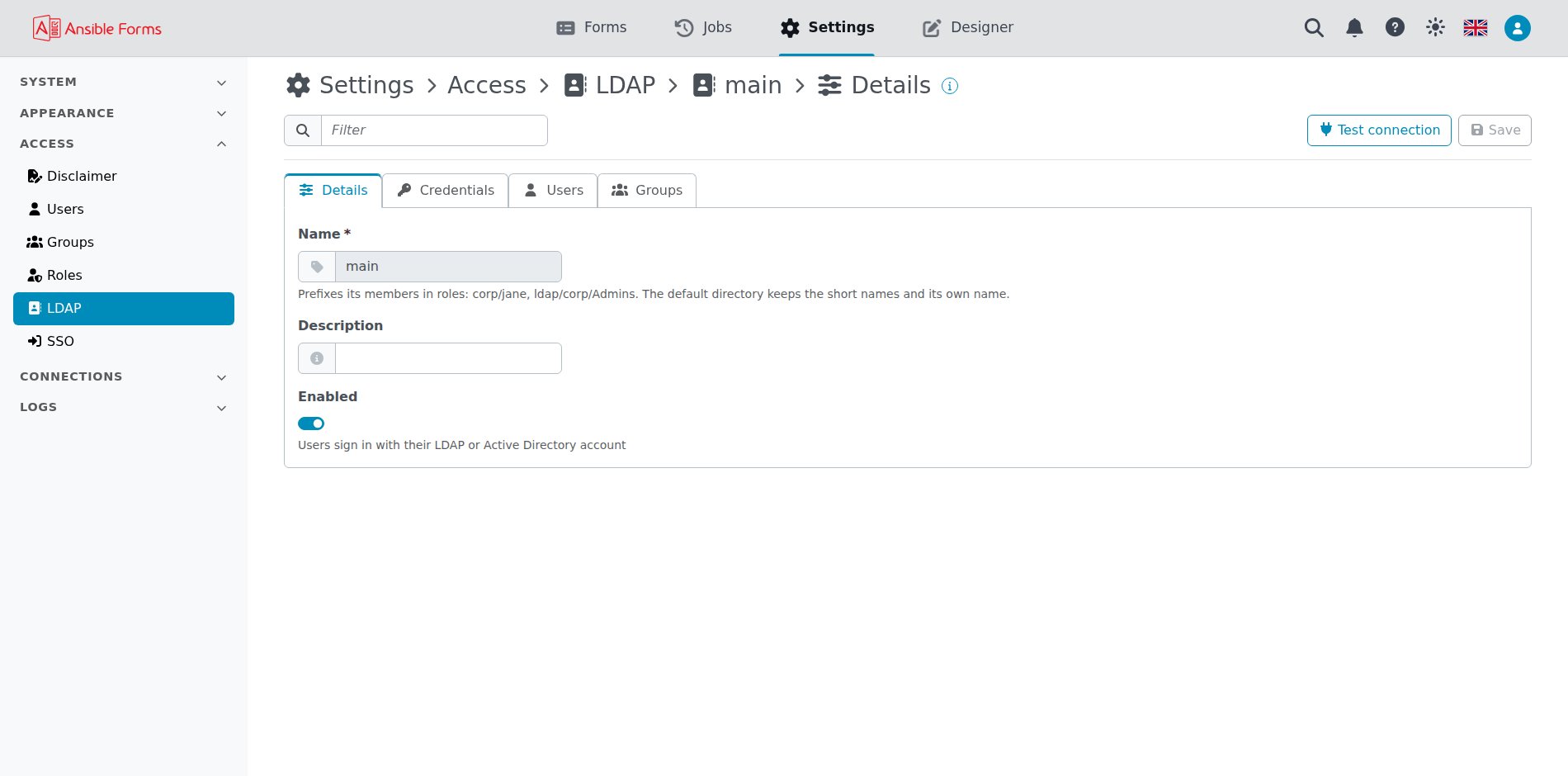
| LDAP | Sign-in with an LDAP directory or Active Directory. See LDAP. |
| SSO | Single sign-on with Entra ID or OpenID Connect providers. See Authentication. |
Connections
The systems AnsibleForms reaches, and what it logs in to them with.
| Page | What it is for |
|---|---|
| Repositories | The git repositories the forms and playbooks come from. See Git repositories. |
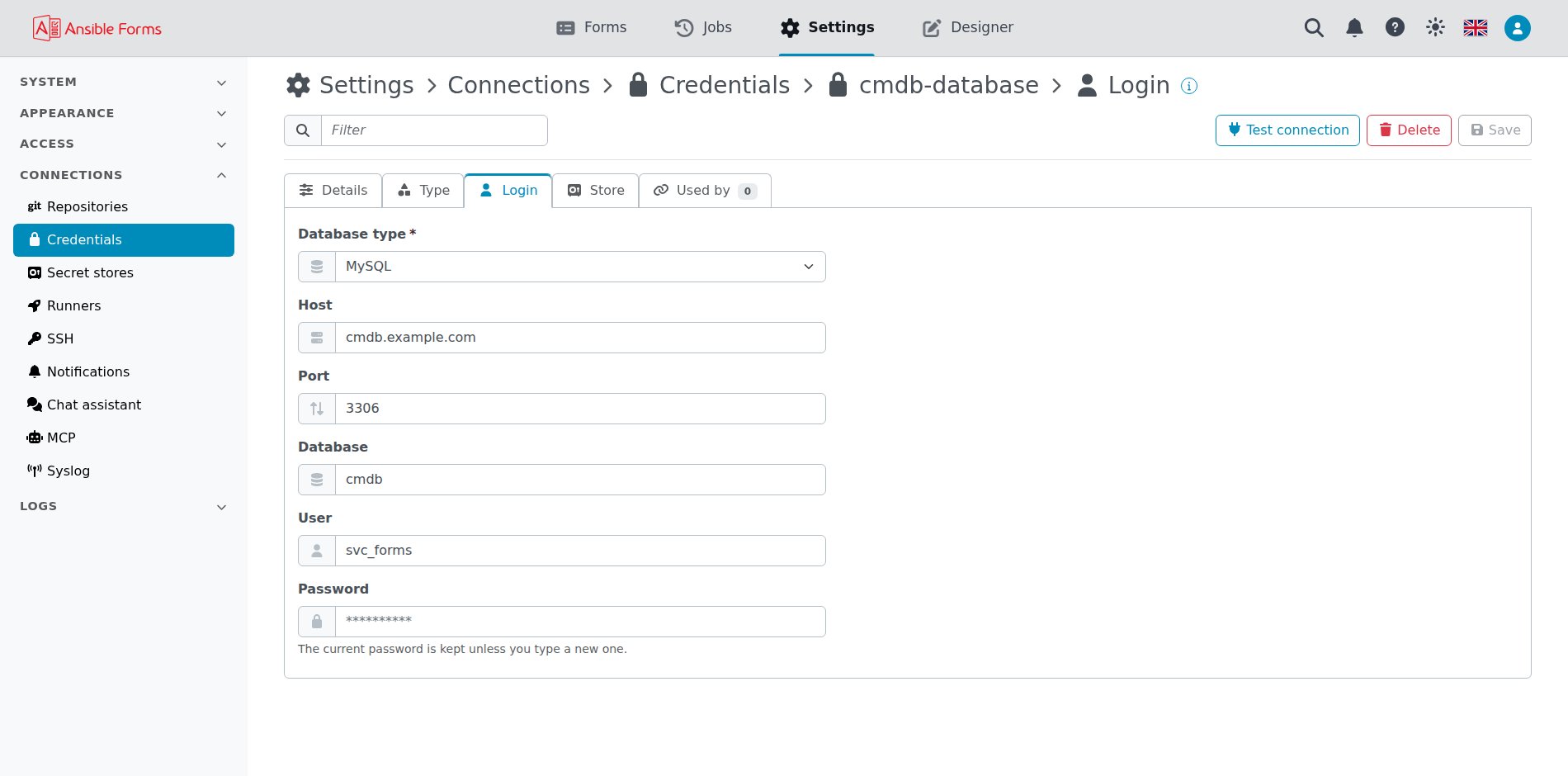
| Credentials | The accounts and secrets that forms, playbooks and connections use. See Credentials. |
| Secret stores | HashiCorp Vault and CyberArk, where credentials can be read from. See Secret stores. |
| Runners | Where jobs run: RTE containers for playbooks, and AWX and the like for templates. See Runners. |
| SSH | The key pair the app connects to git with, and the known hosts. See SSH. |
| Notifications | SMTP servers, Slack, Microsoft Teams, Telegram and webhooks. See Notification channels. |
| Chat assistant | The AI provider of the chat assistant. See Chat assistant. |
| MCP | The MCP server for AI agents. See MCP. |
| Syslog | Syslog servers that receive the server log, the audit log, or both. See Syslog. |
Logs
What happened on the instance.
| Page | What it is for |
|---|---|
| Audit log | Who changed what, and whether it was allowed, filtered by user, action and outcome. See Audit trail. |
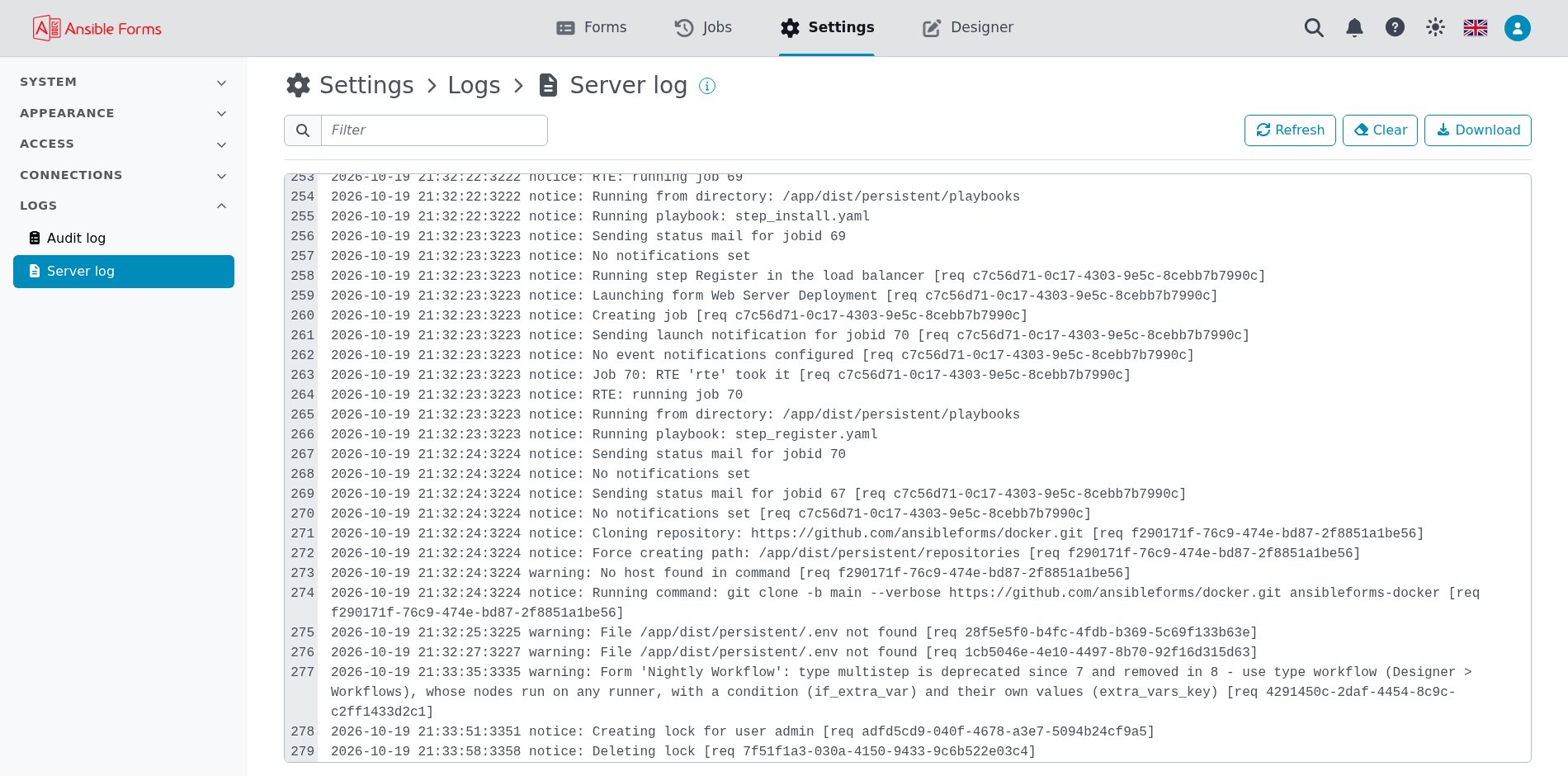
| Server log | The server’s own log, for troubleshooting. See Logs. |
Server log
The last lines of the log, the newest at the bottom, followed as they are written. The search box filters them (a regular expression), Clear empties the view, not the log, and Download saves the whole log.
API docs
API docs in the help menu (the question mark in the header) links to the Swagger UI of the REST API at /api/v2/docs. See API.